
USER MANUAL
The NÜWIEL eTrailer
Please note that you can only attach the eTrailer to your bike if access to the seat post is not blocked by a child-carrier seat or other equipment.
You should not attach the eTrailer to a seat post made of carbon fibre.
Ride slowly and avoid sudden speed change when turning.
Transport of humans or animals is prohibited.
The maximum payload is 120/150 kg.
If the payload is above 1m high, the eTrailer should be used in handcart mode only.
You are currently viewing a placeholder content from Vimeo. To access the actual content, click the button below. Please note that doing so will share data with third-party providers.
More Information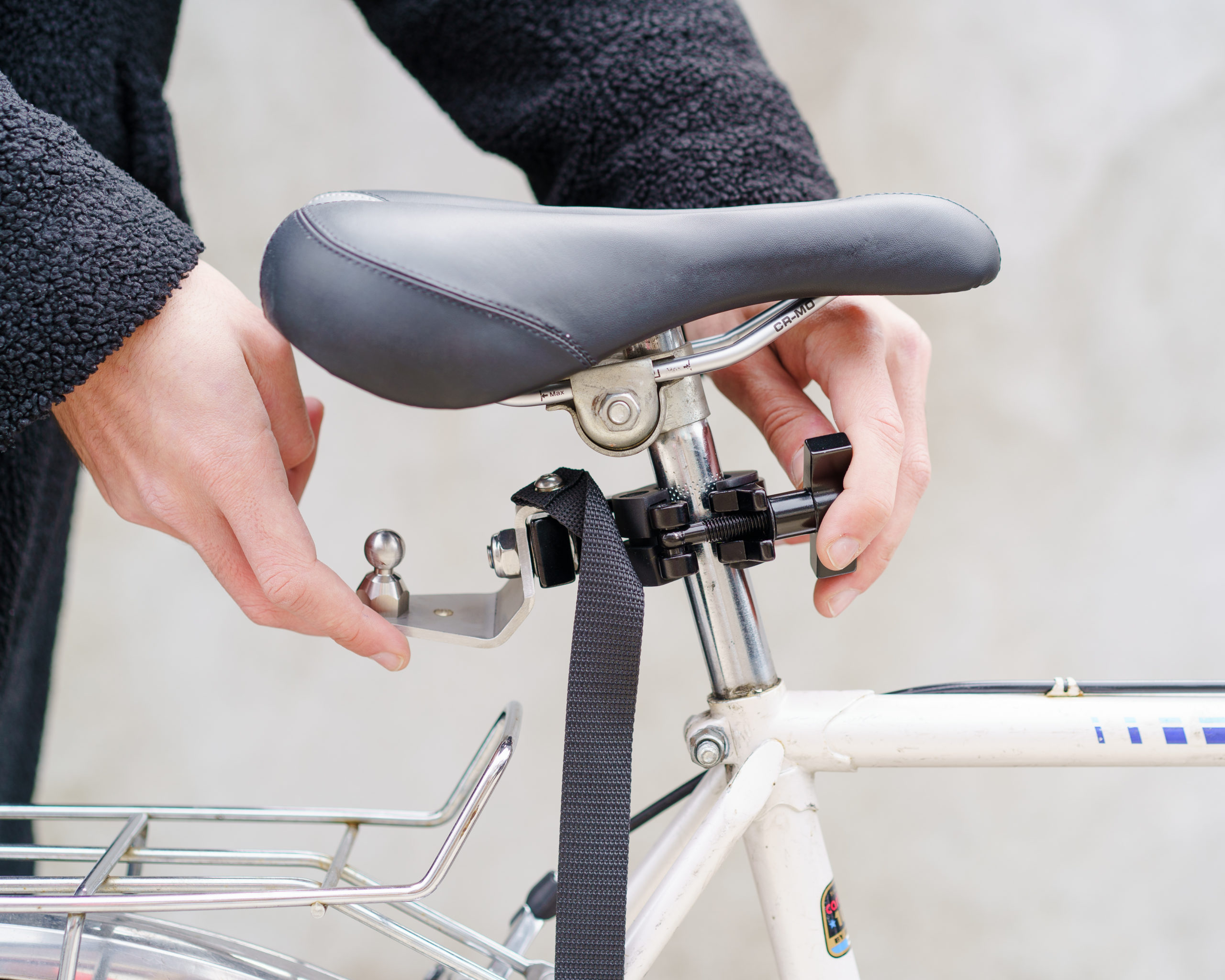
Install Coupling
Attach, align and fix the coupling.
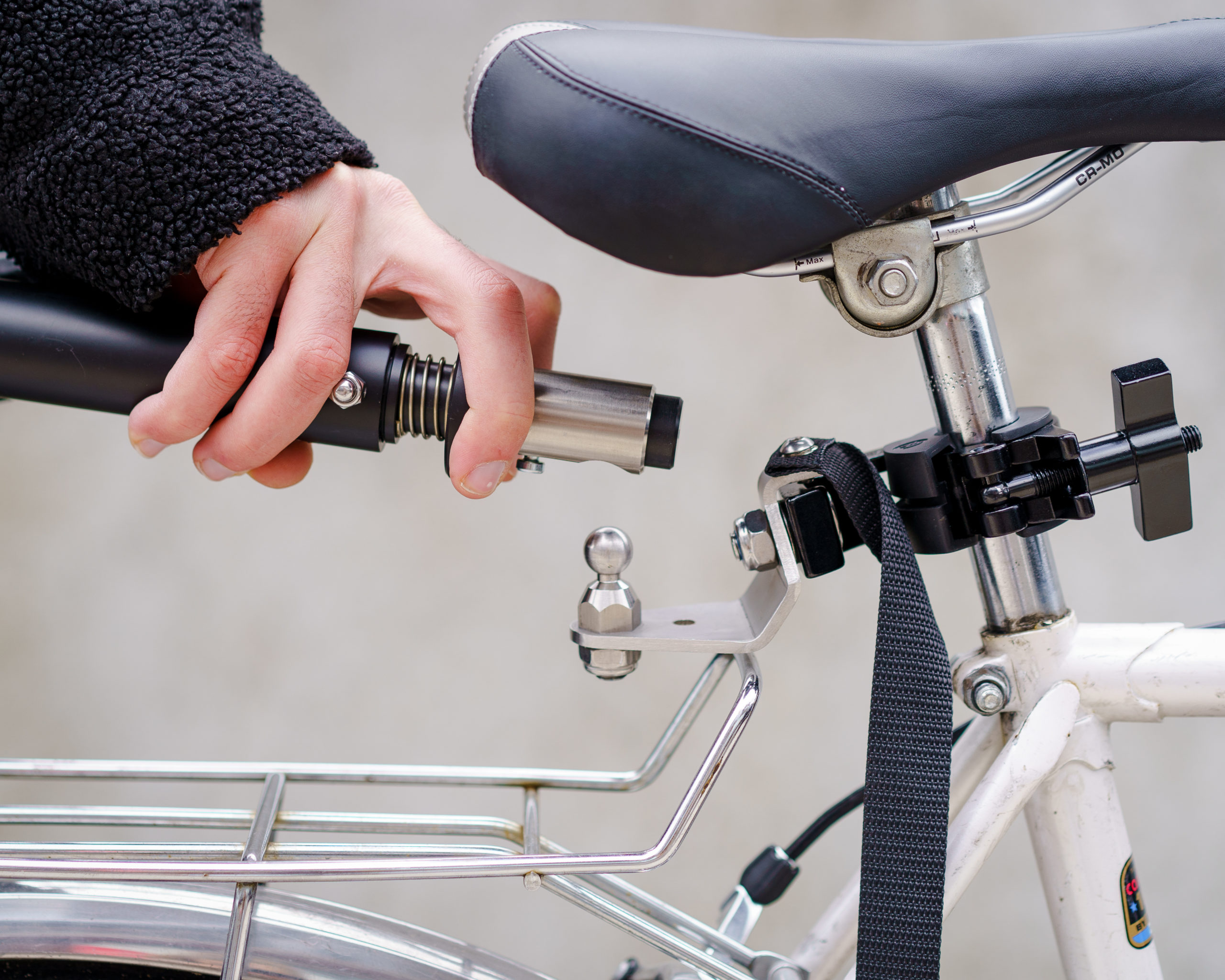
Connect the eTrailer
Slide back the locking ring at the end of the towbar, attach to the coupling and release the locking ring.
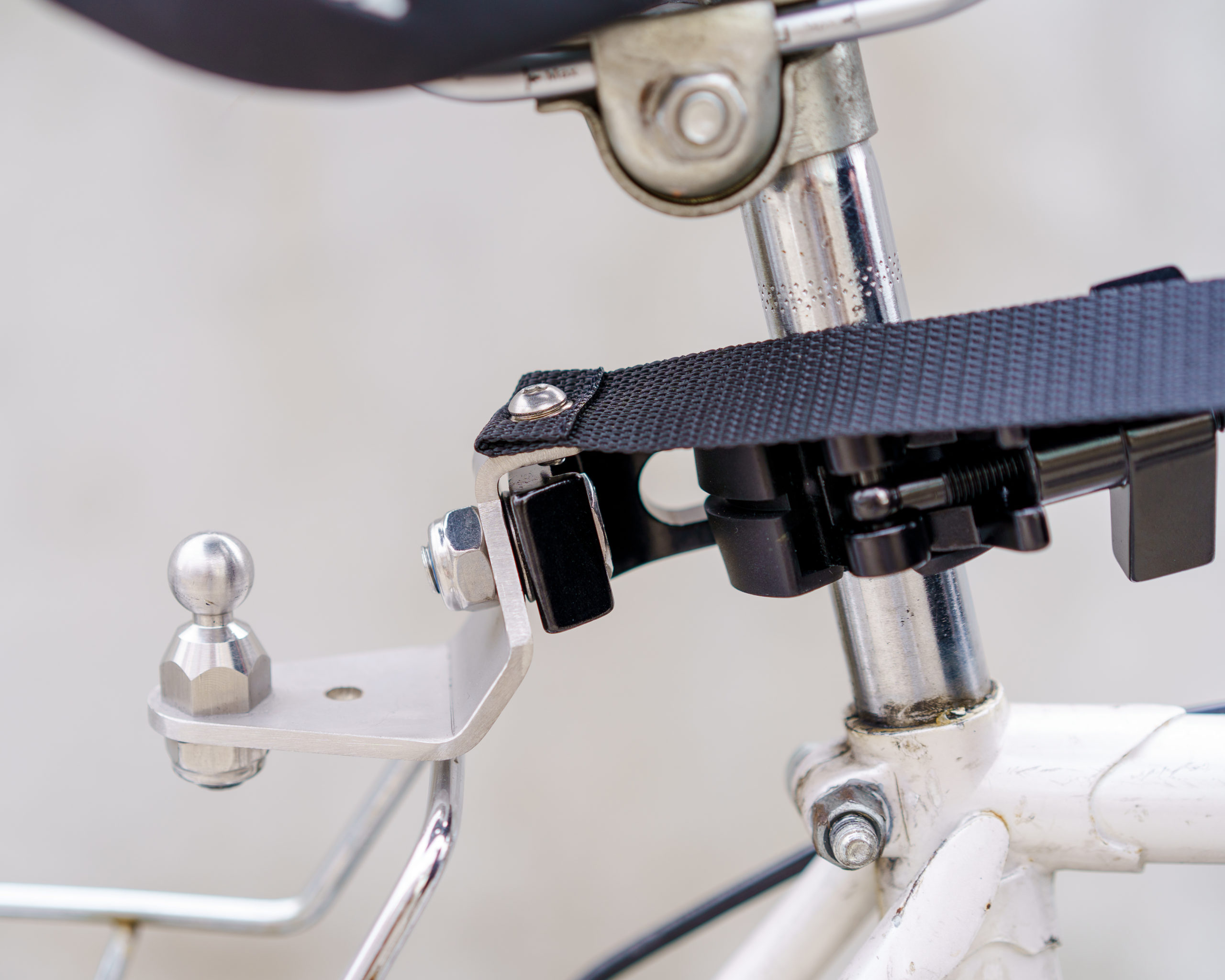
Unroll the safety strap
Unroll the safety strap and move to the side.
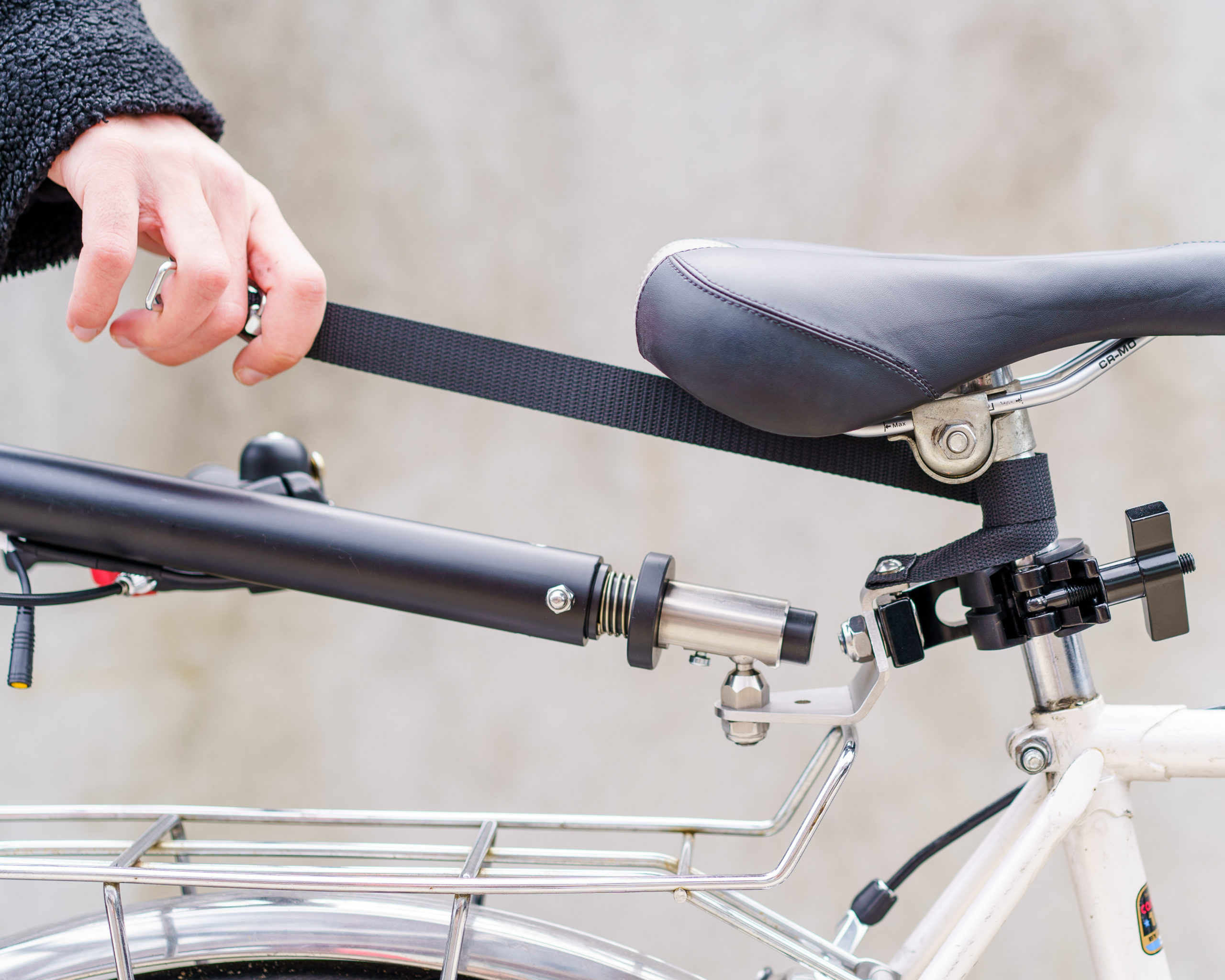
Wrap the safety strap
Wrap the safety strap around the bicycle seatpost twice.
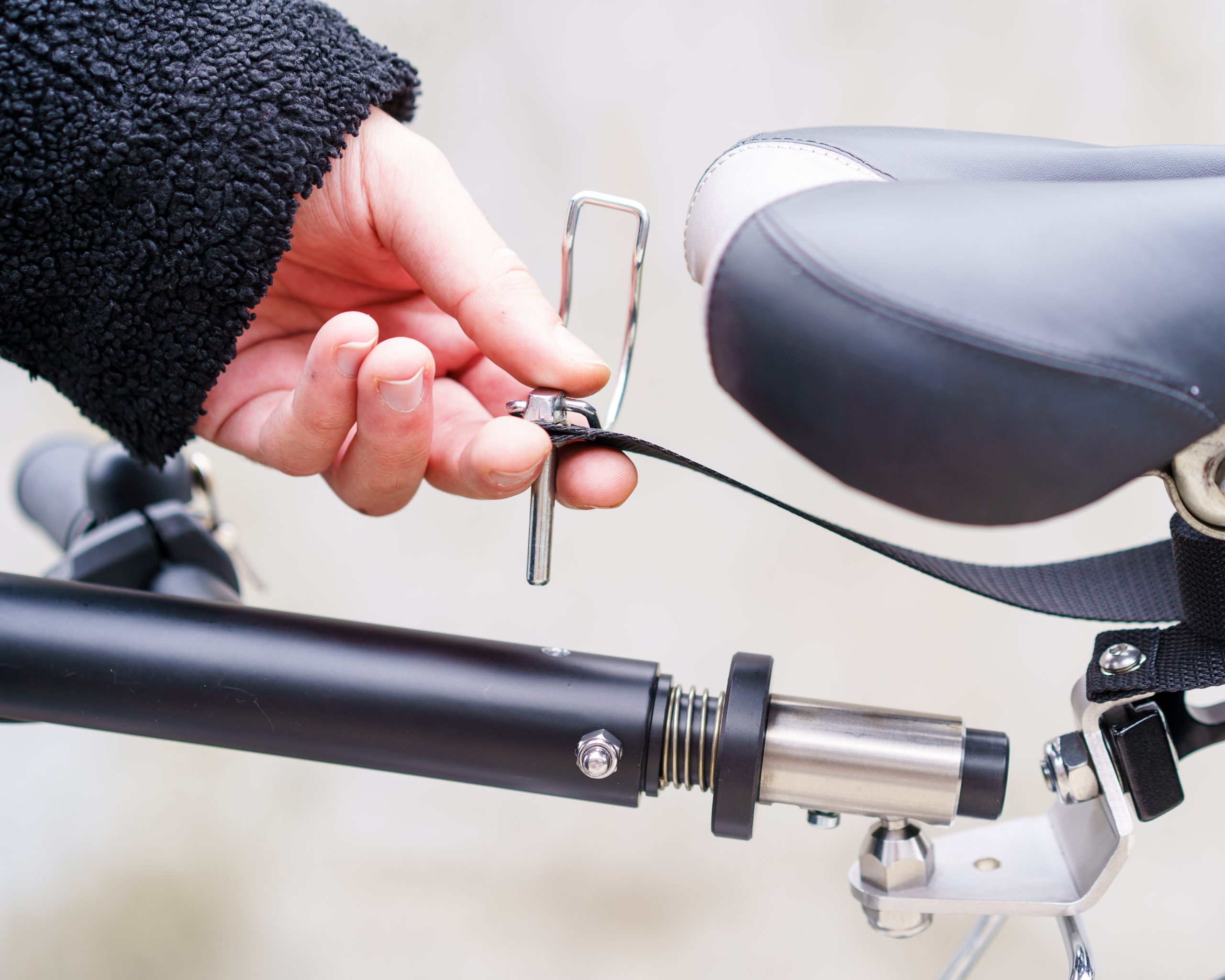
Insert the Safety Pin
Insert the safety pin into the hole at the end of the towbar. Close the pin-latch around the handlebar.
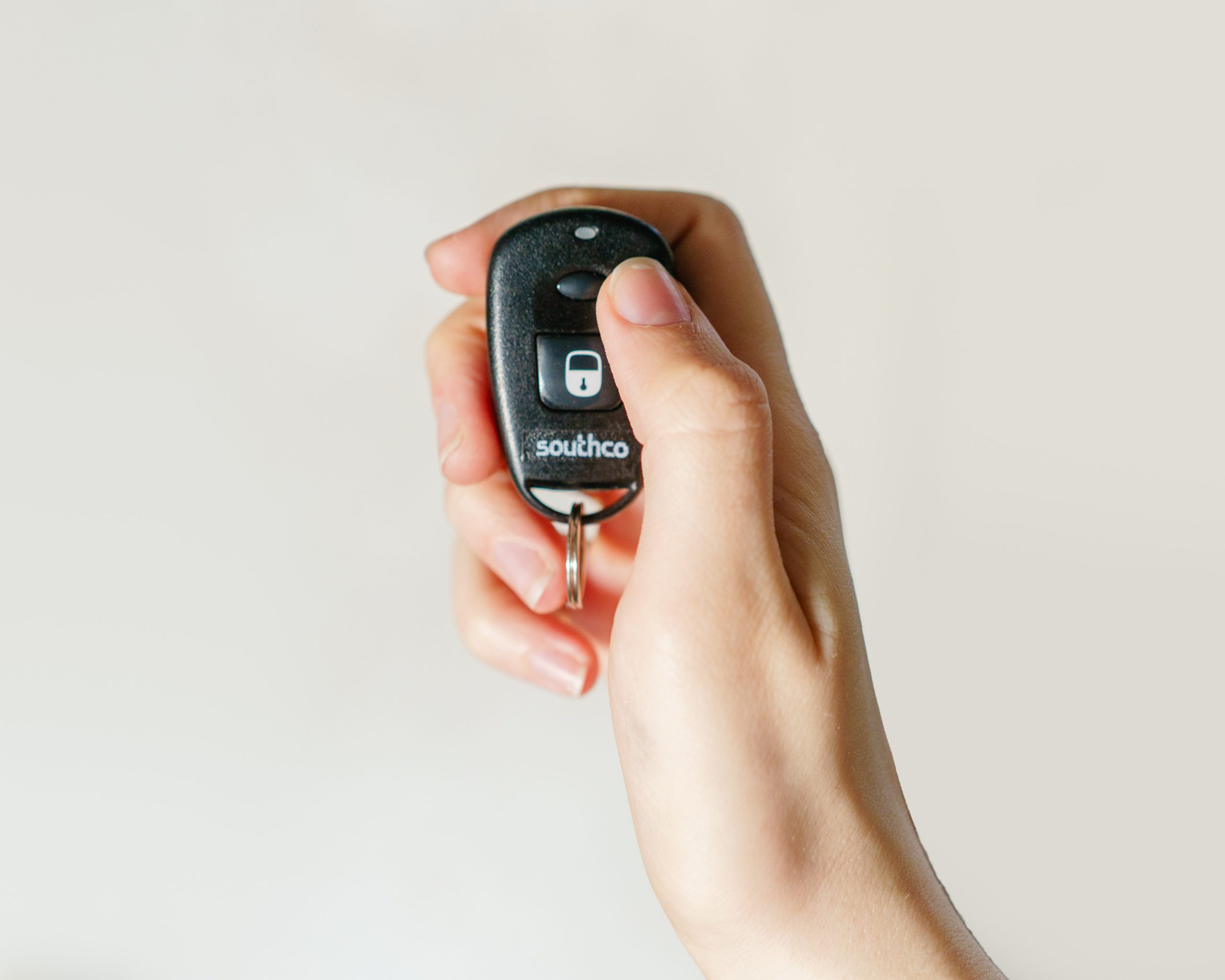
Switch on the eTrailer
Press on the top button on the remote key fob until you hear a sound. The eTrailer is now activated
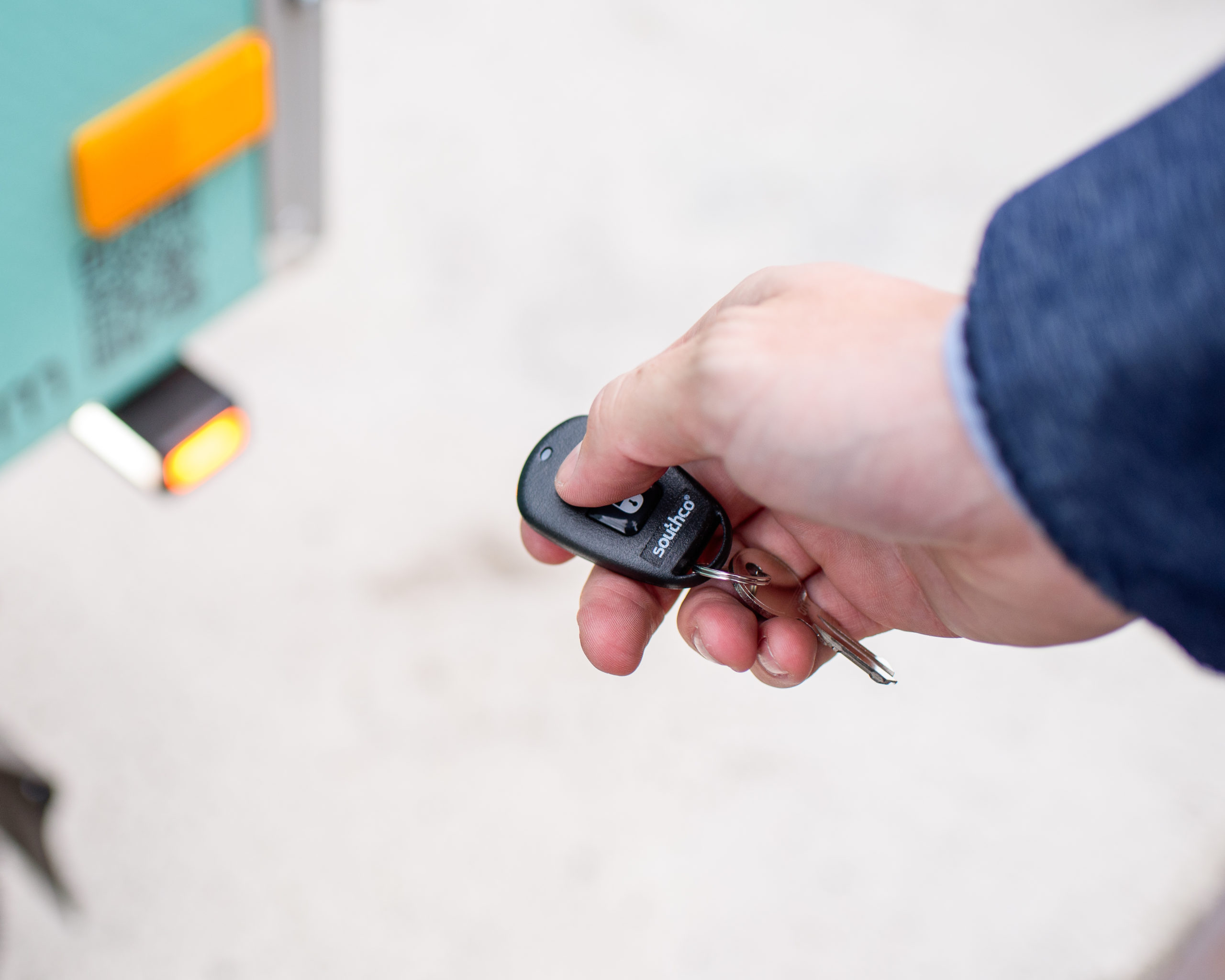
Lock the box
Press the button with lock sign on the remote key fob to lock the box.
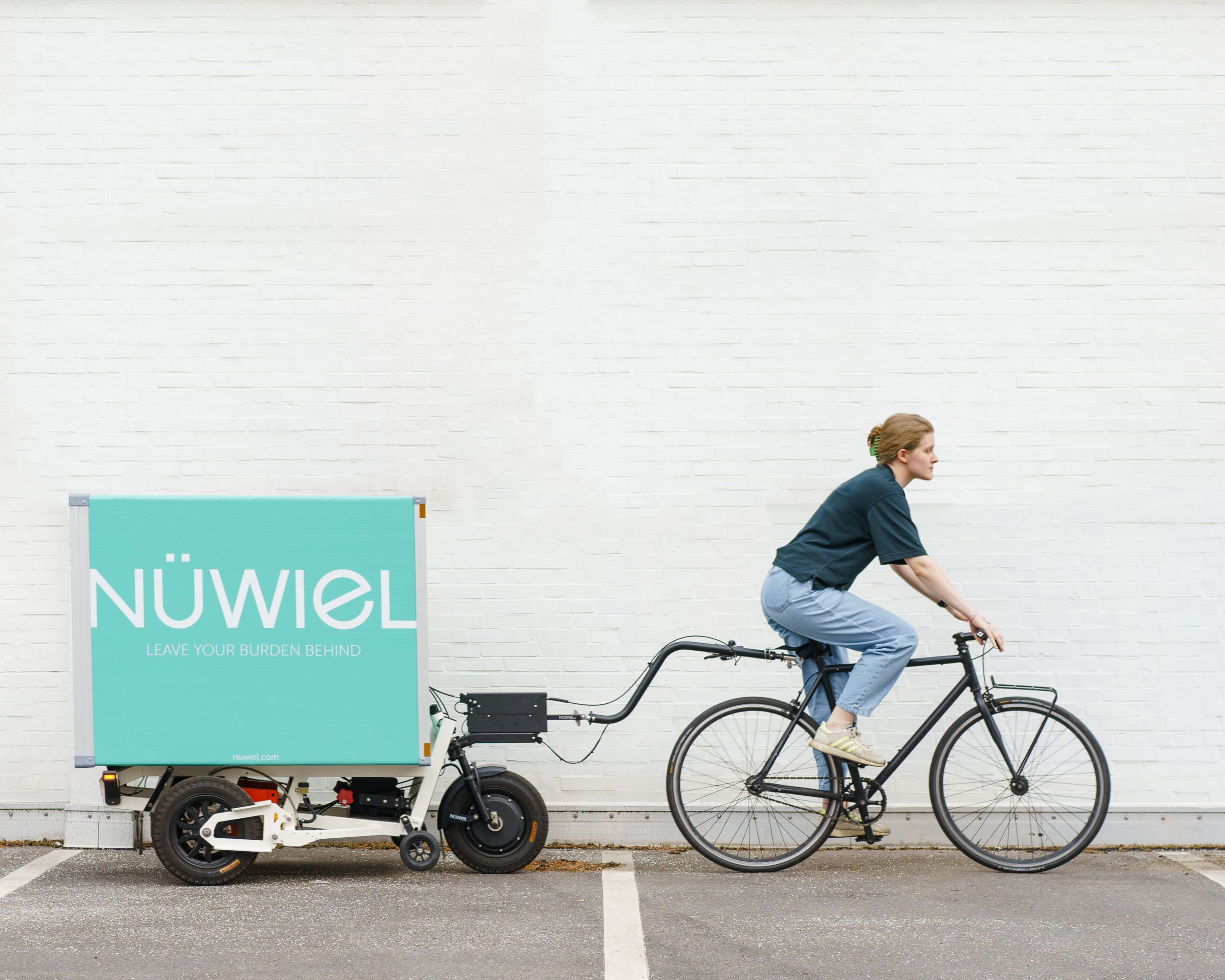
Start riding Cautiously
Ride slowly when turning. The eTrailer weighs 70kg without load and is 96cm wide.
The Handcart Mode
You are currently viewing a placeholder content from Vimeo. To access the actual content, click the button below. Please note that doing so will share data with third-party providers.
More InformationSwitch on the eTrailer
Press on the small button on the remote key fob until you hear a sound.
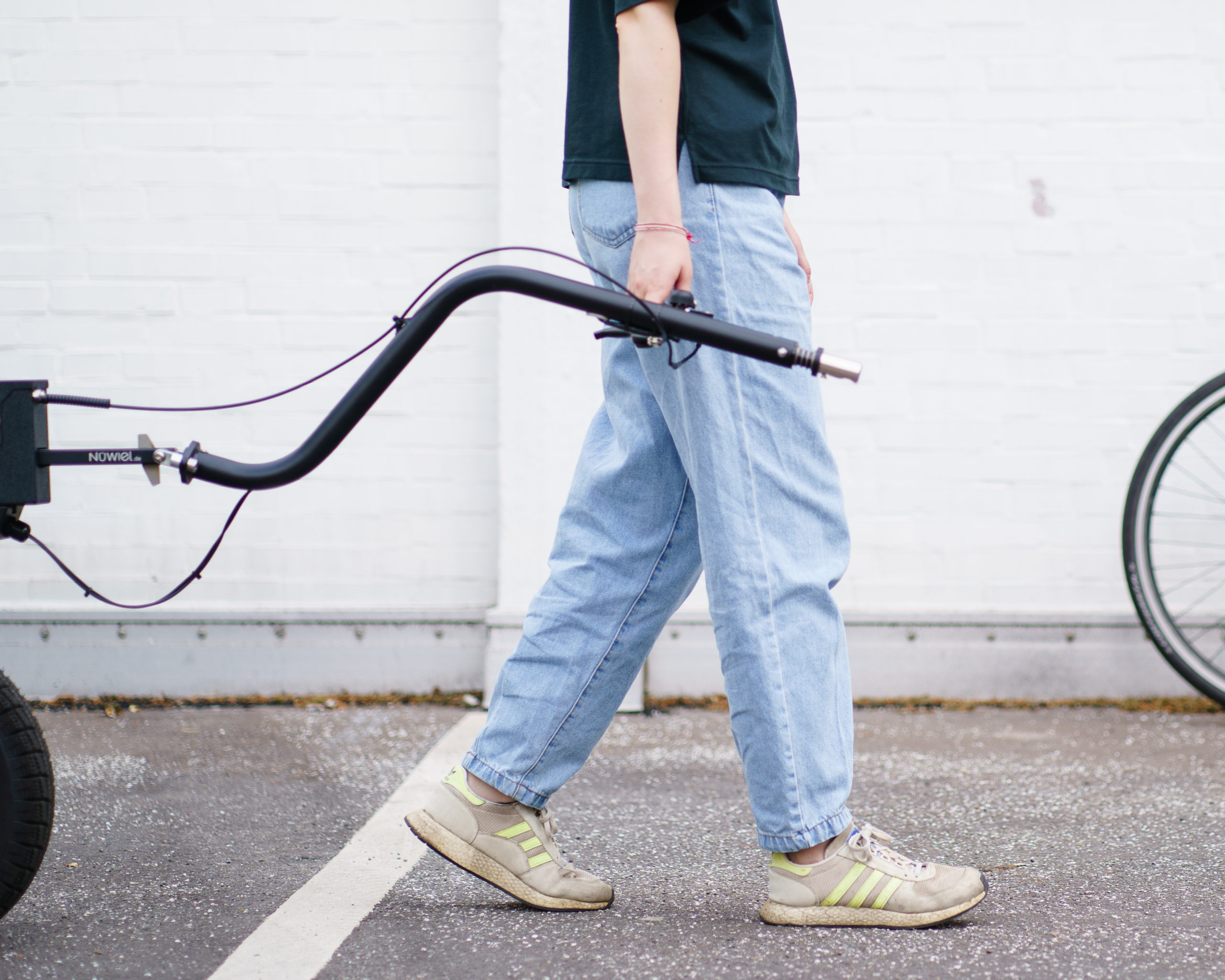
Position Towbar
Fold down the handlebar – hold next to the body comfortably and horizontally
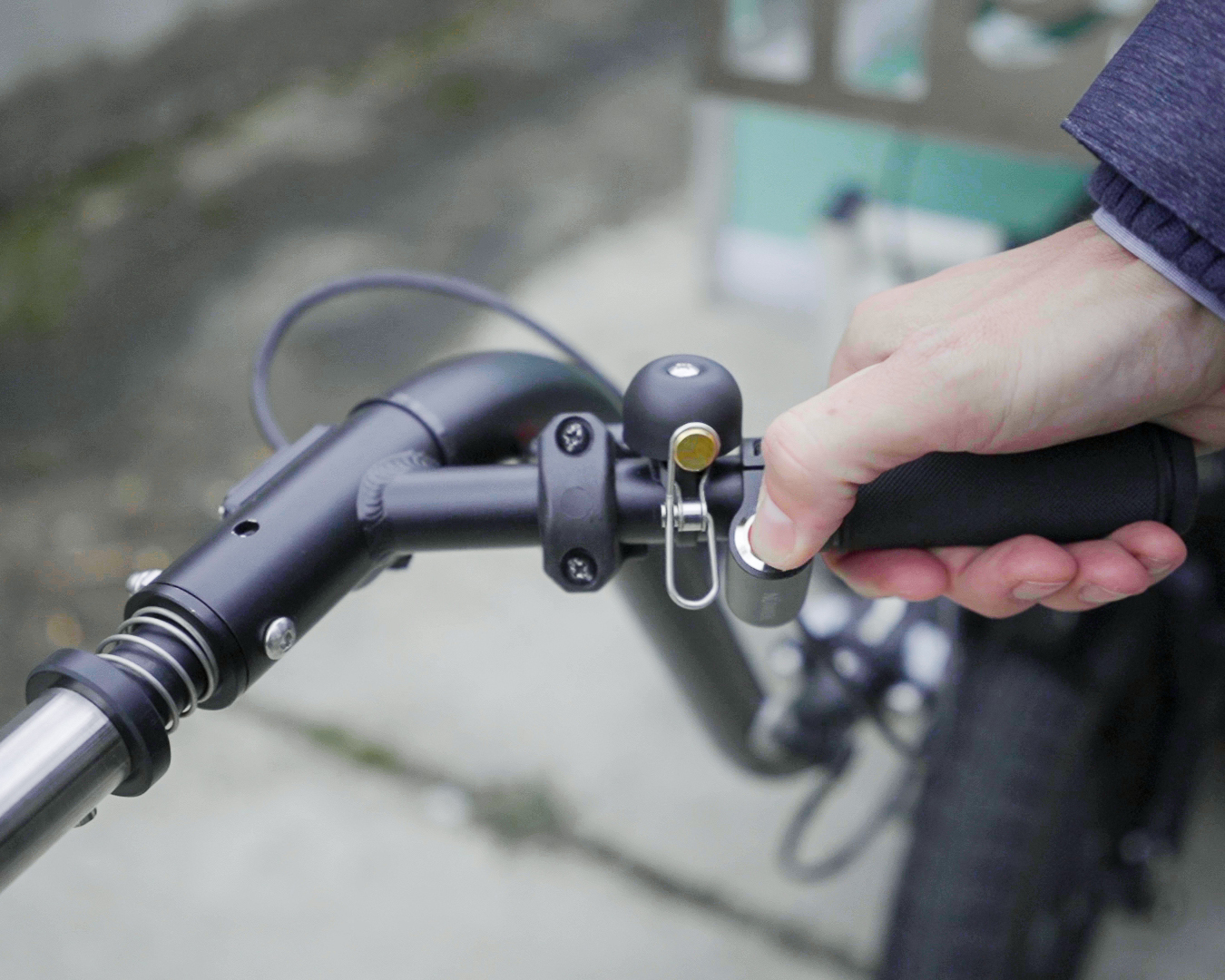
Release the Park Brakes
Press the eBrake button and hold for 1 sec. until you hear a sound. The button will change from red to neutral color.
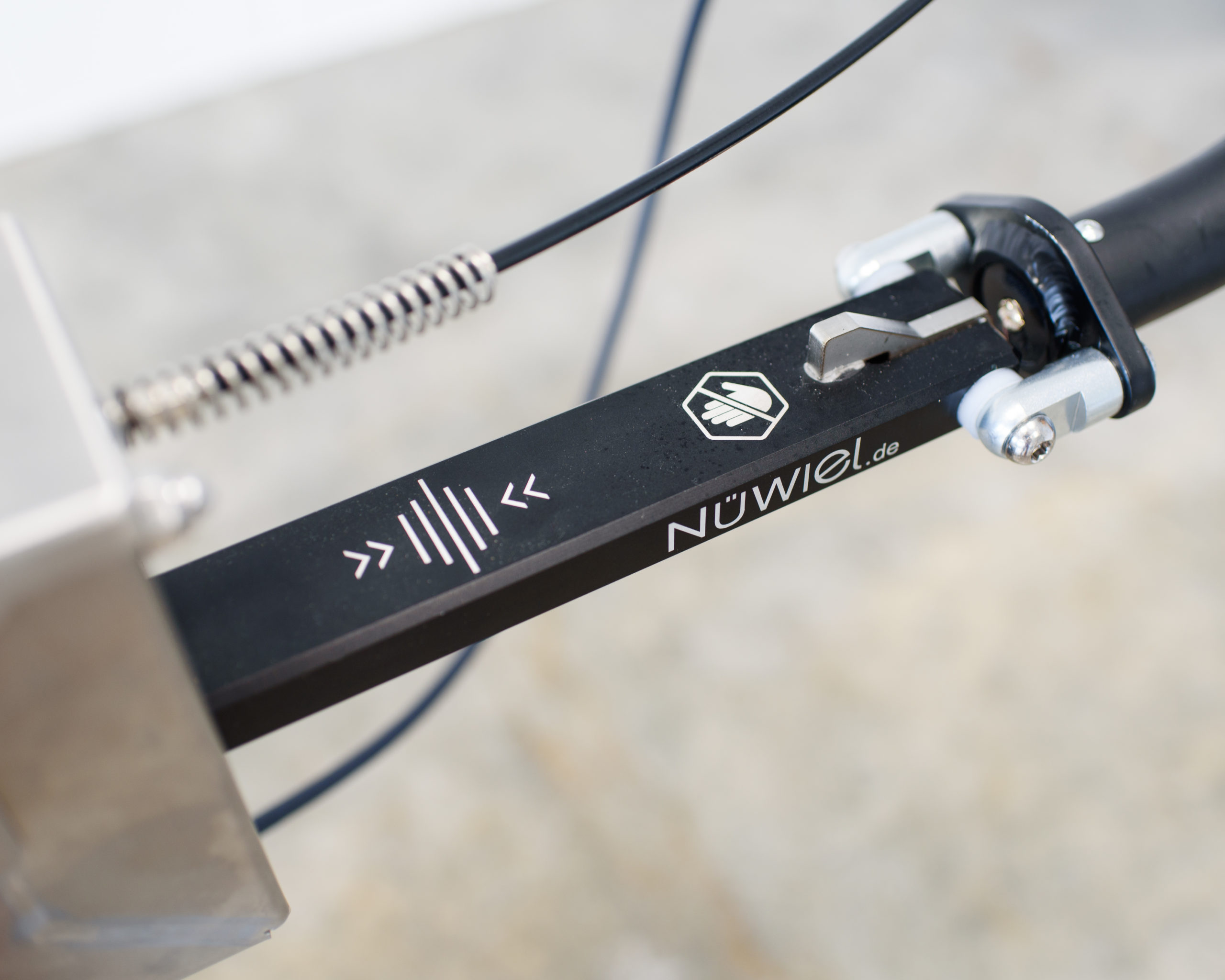
Position Slider
Gently move the towbar backwards or forwards until the slider is in the middle.
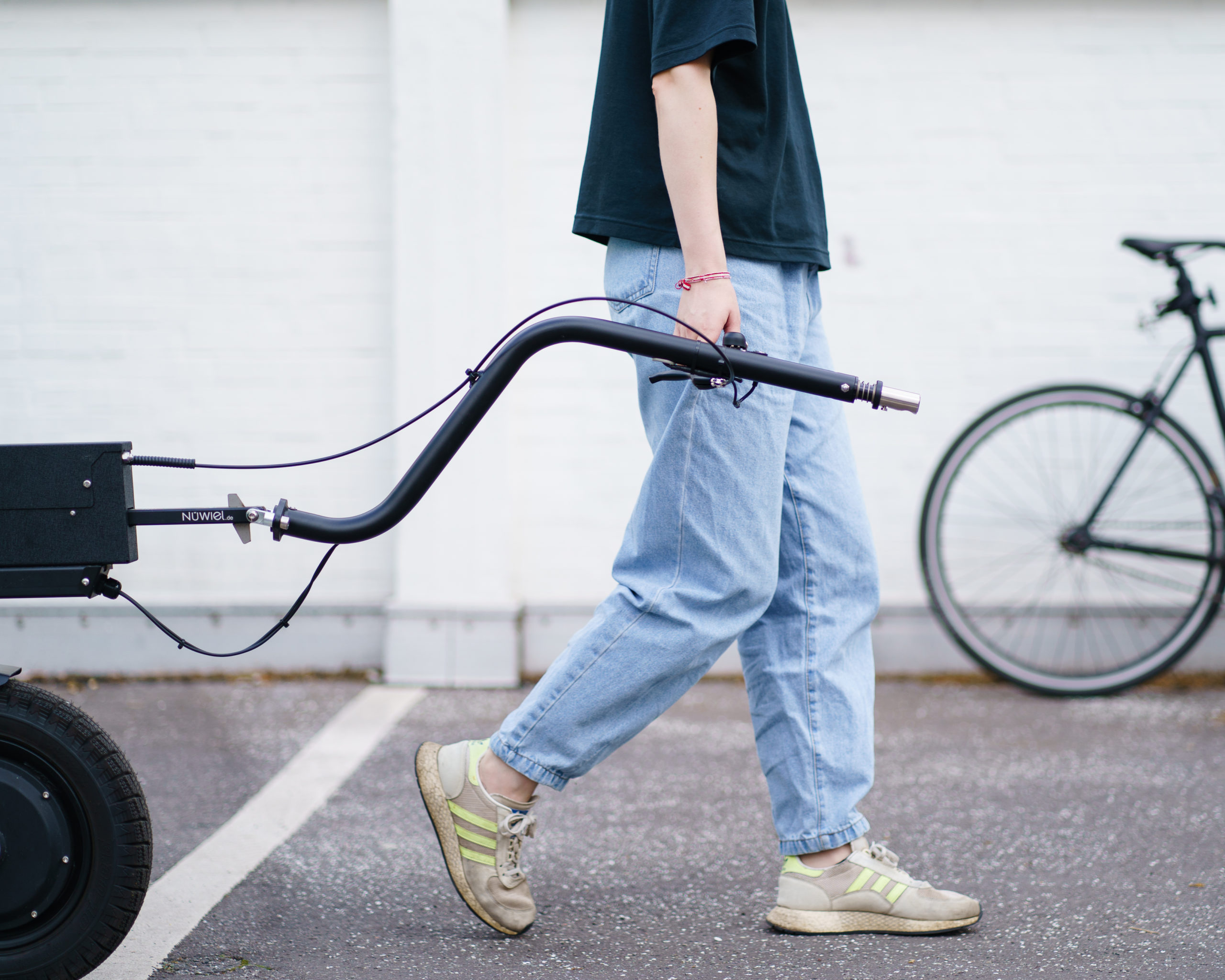
Start walking cautiously
Hold the handlebar in a natural position next to the body. The eTrailer brakes automatically, if the handlebar is held too high or too low.
Parking
You are currently viewing a placeholder content from Vimeo. To access the actual content, click the button below. Please note that doing so will share data with third-party providers.
More InformationSwitch on the eBrake
Hold the handlebar in a natural position next to the body. The eTrailer brakes automatically, if the handlebar is held too high or too low.
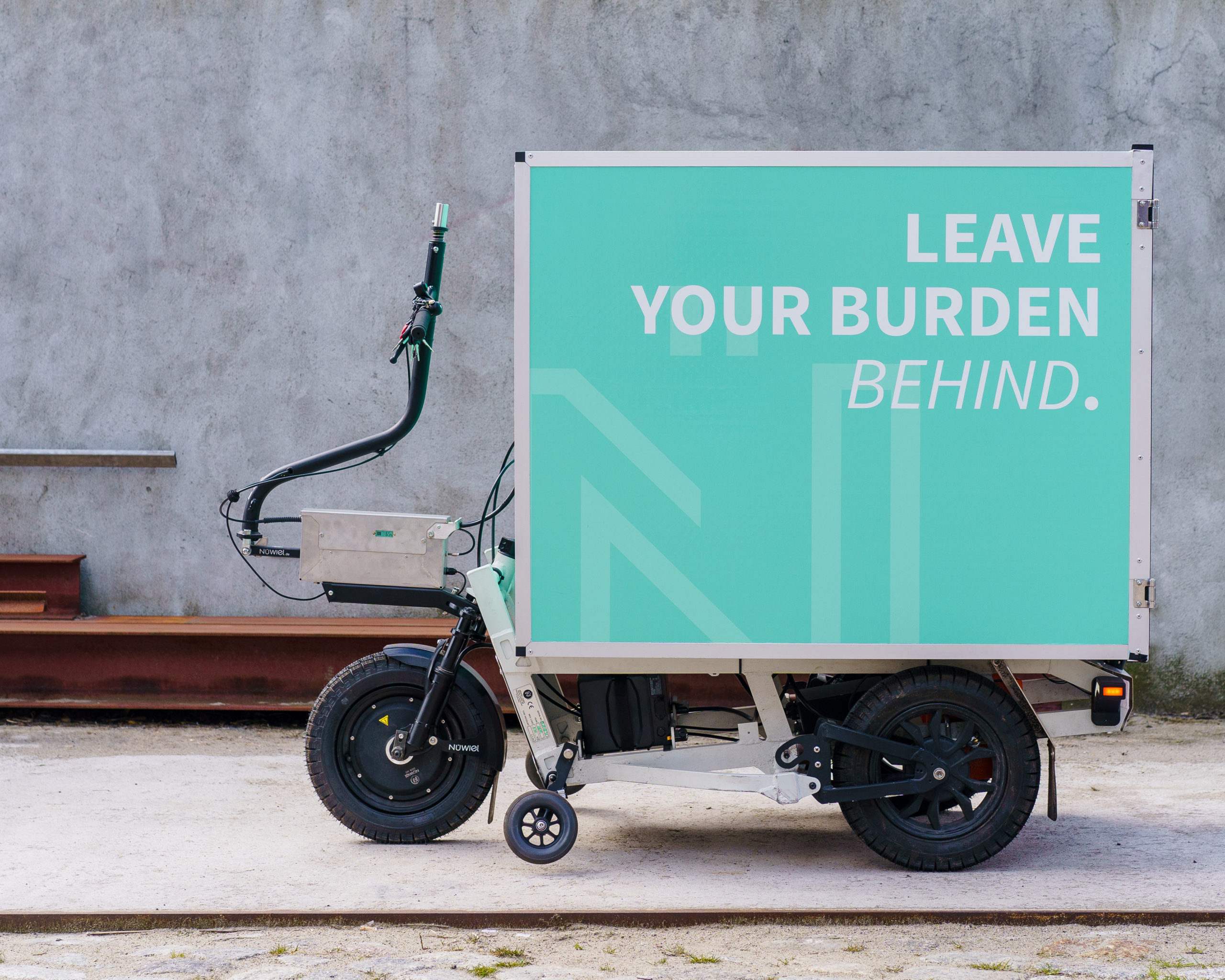
Fold up the towbar
If parked in handcart mode
Lock the box
Press the button with the lock sign on the remote key fob.
Switch off the eTrailer
Press the small button on the remote key fob to turn off the eTrailer.
Battery Charging
General instructions for the use of Li-ion batteries
- The charger should not be stored on, close to or under any flammable materials.
- Facilities with stone floors are recommended for the charging process.
- The room should be equipped with smoke detectors.
- The battery should not be left charging over night.
- Only use a charger provided or recommended by the manufacturer.
- Pay special attention when the battery has not been used for a longer period of time or when it could be damaged.
- Do not store the battery in cold rooms.
- Do not store, charge or use the batteries close to hot surfaces. Keep away from open flames.
- Do not use batteries that have been dropped and/or damaged.
You are currently viewing a placeholder content from Vimeo. To access the actual content, click the button below. Please note that doing so will share data with third-party providers.
More Information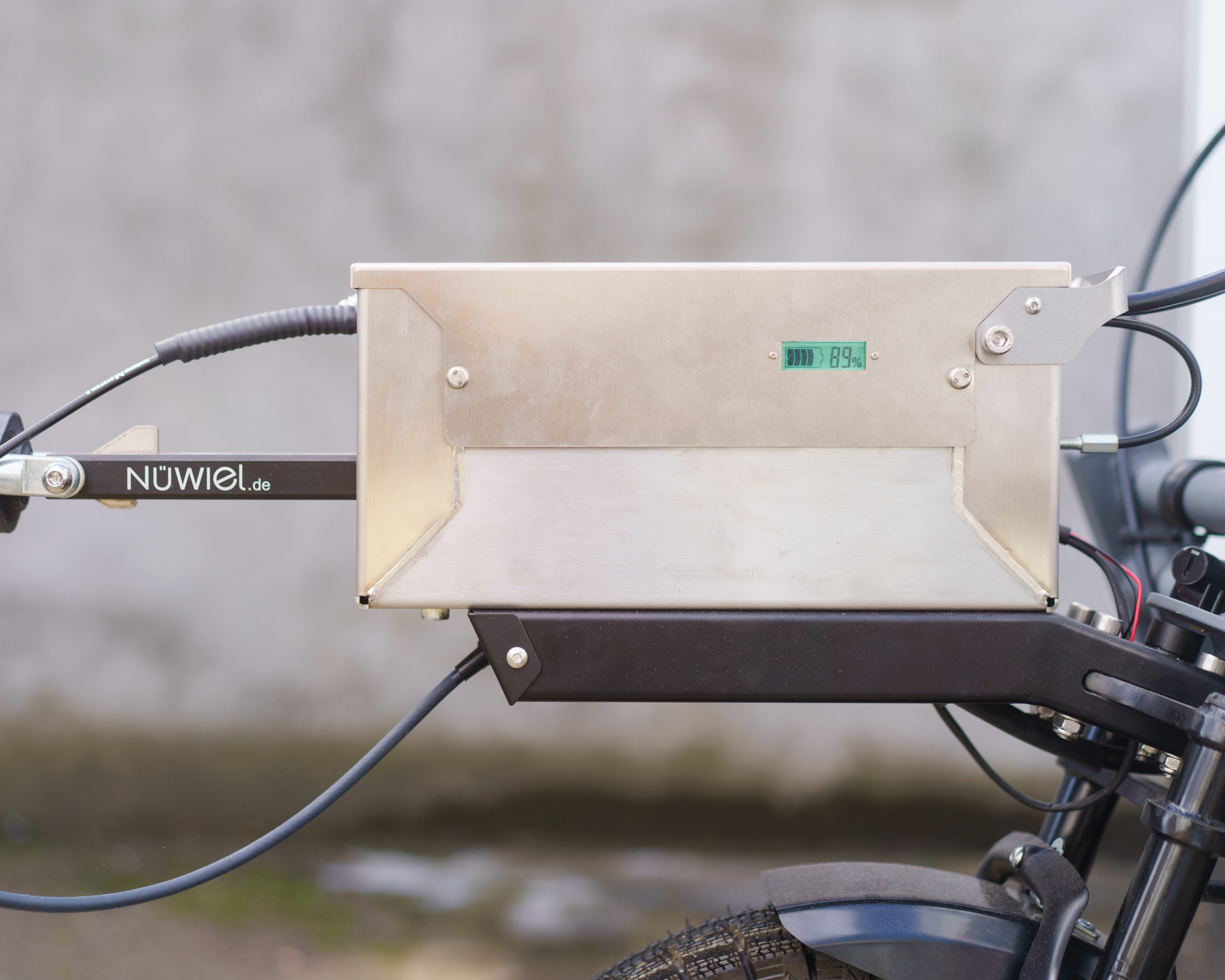
Check the Battery Level
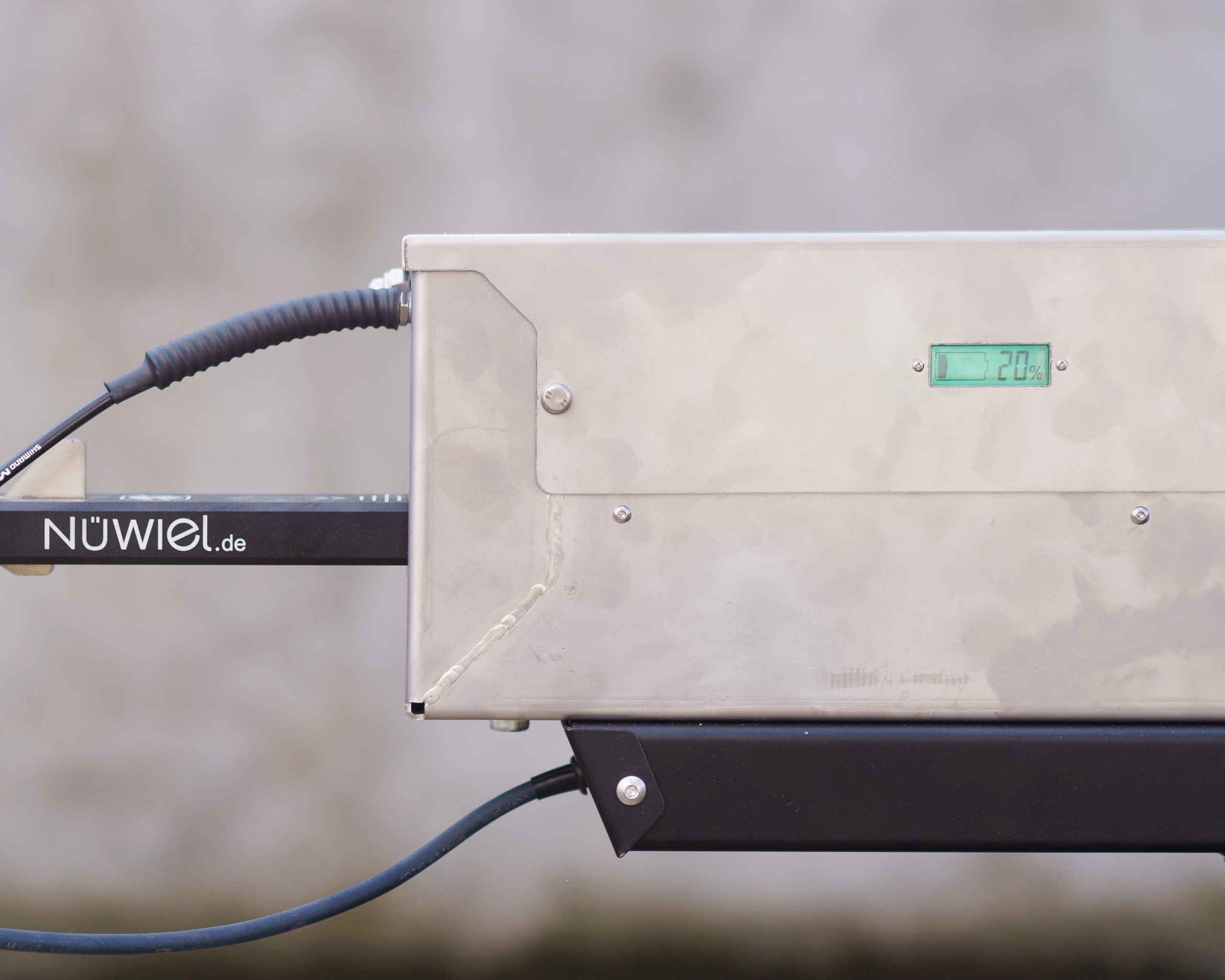
The Battery should be Charged when it has less than 20% remaining.
Switch off the eTrailer
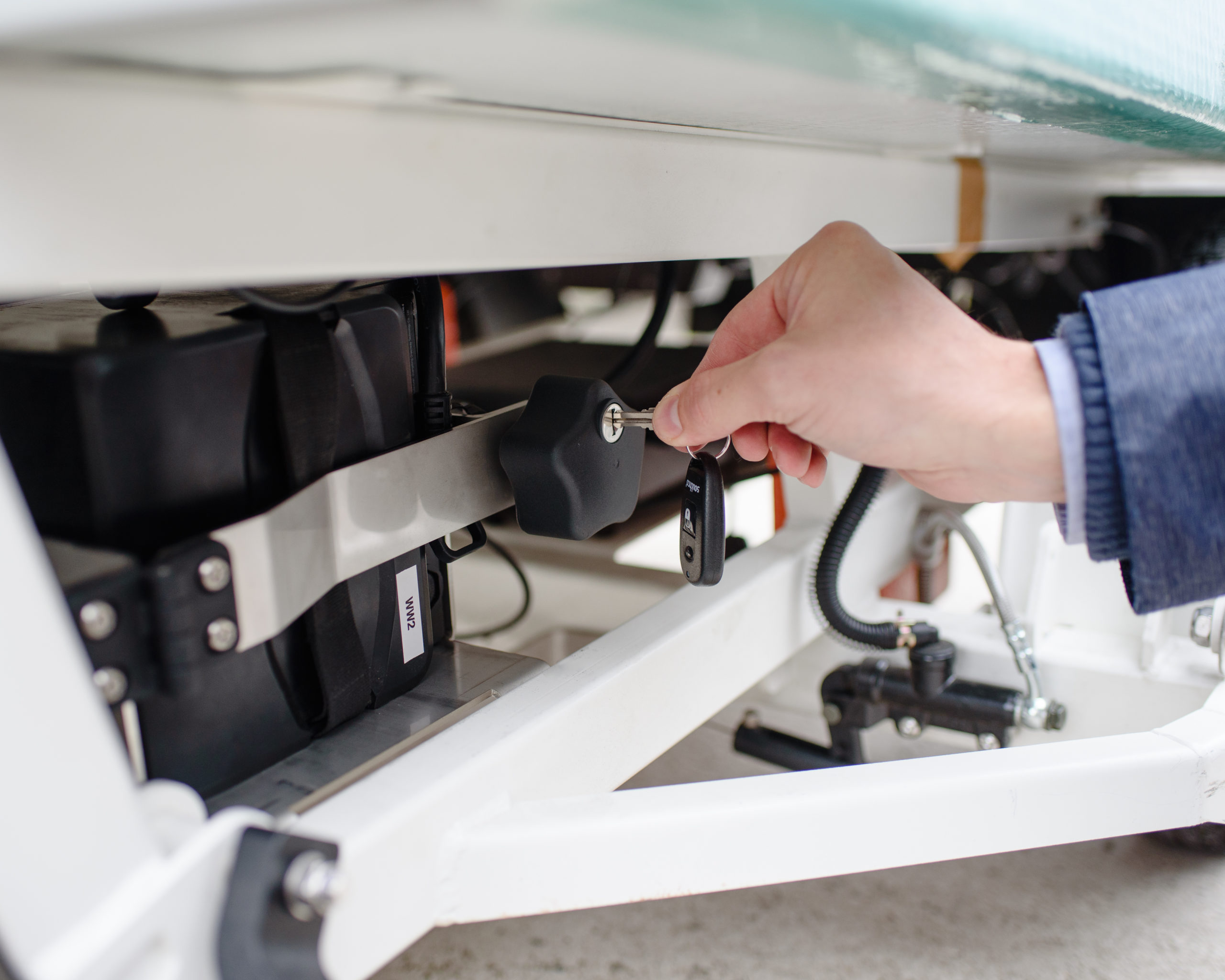
Unlock the battery tray with the key
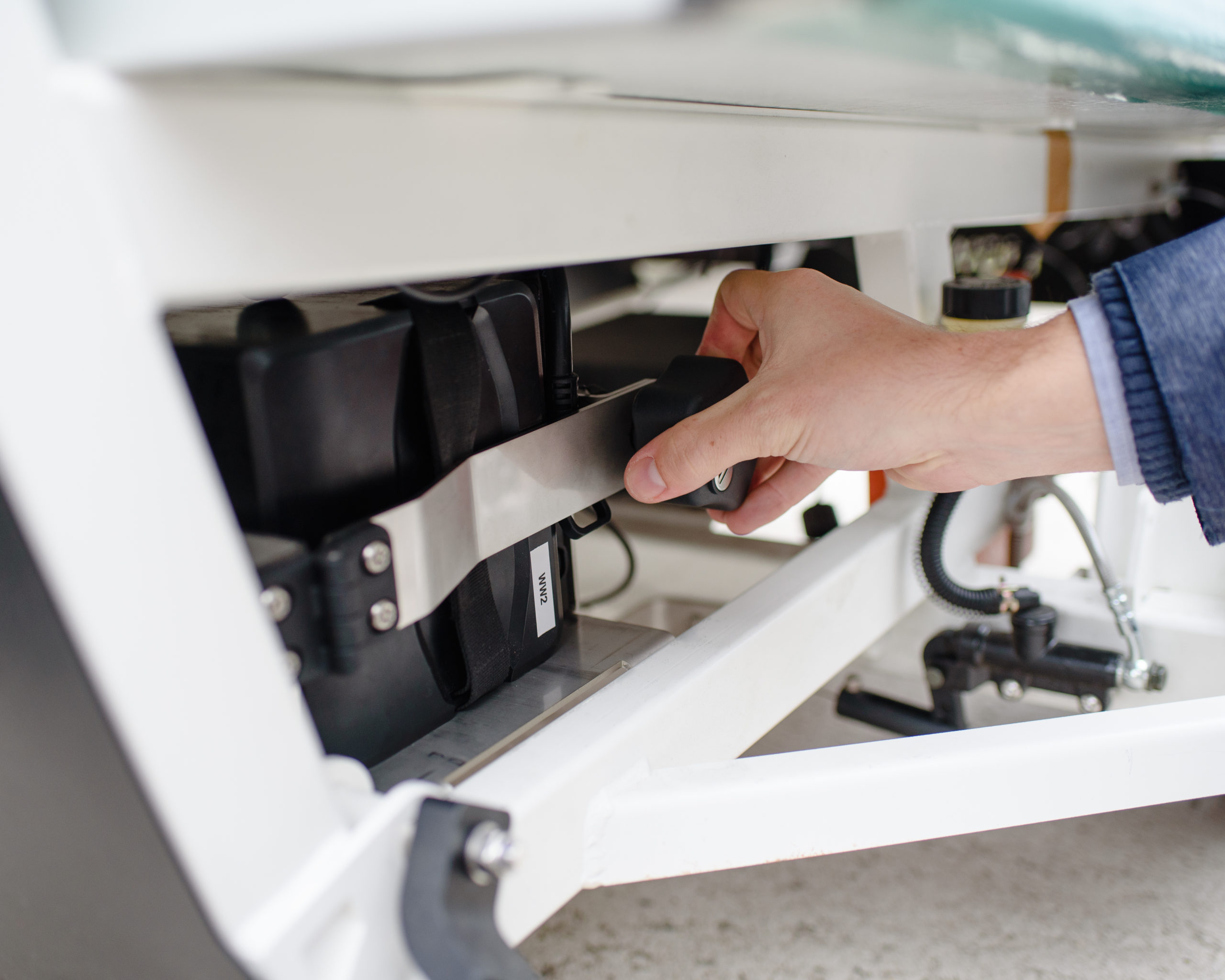
Remove the grip of lock by rotating anti-clockwise
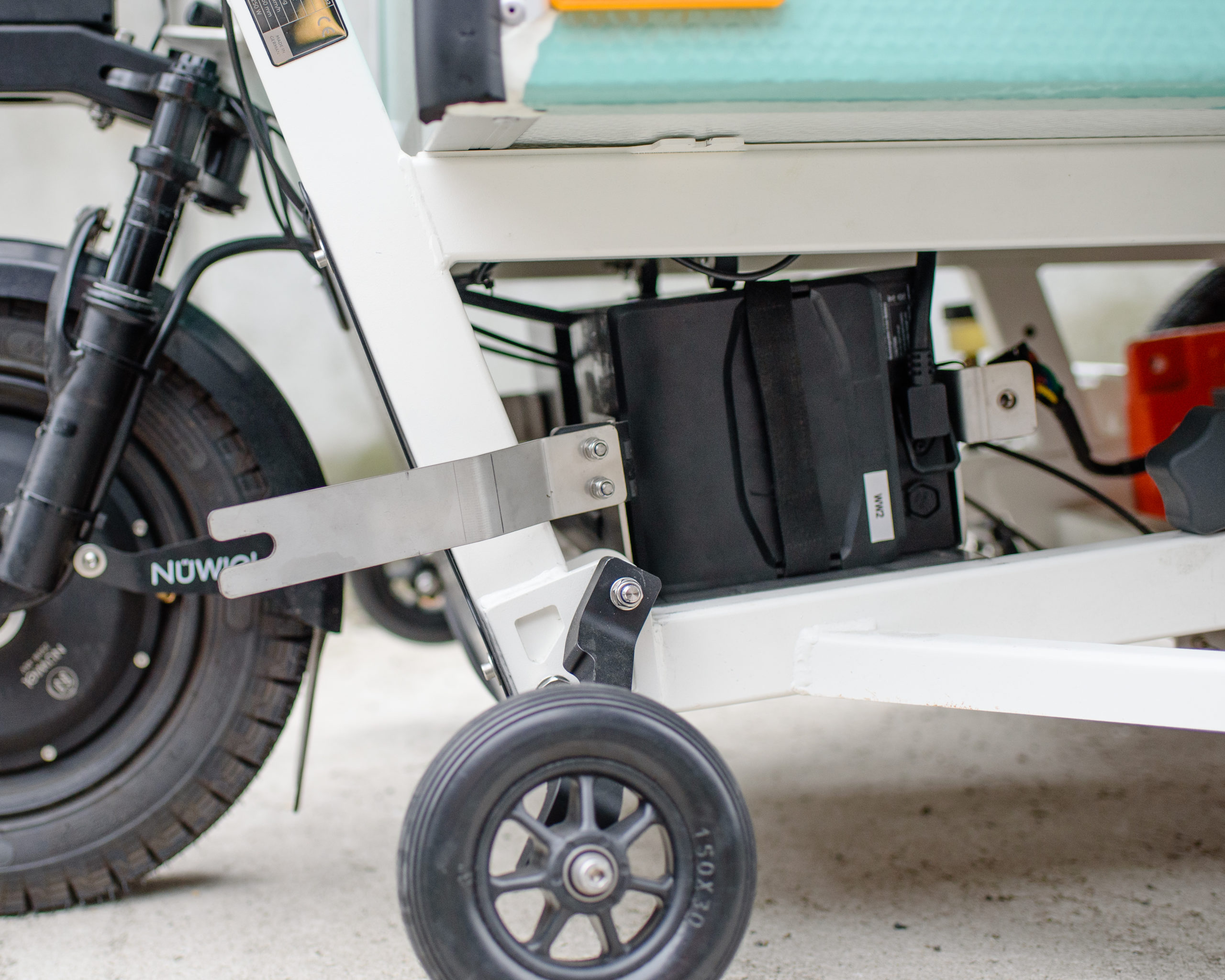
Move the tray holder to the side
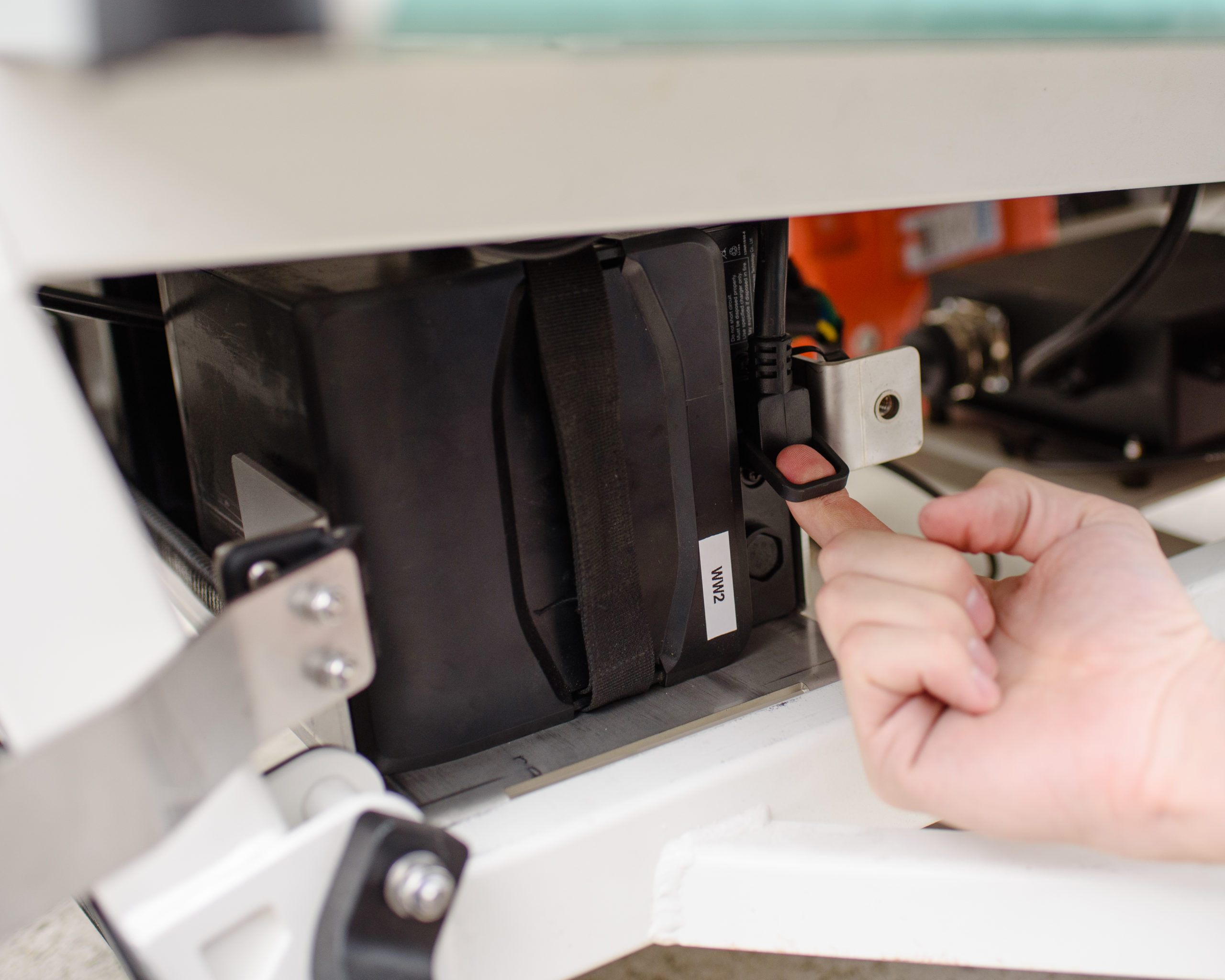
Unplug the cable and remove the battery
Charge the battery until the indicator on the charger turns green (+/- 5 hours)
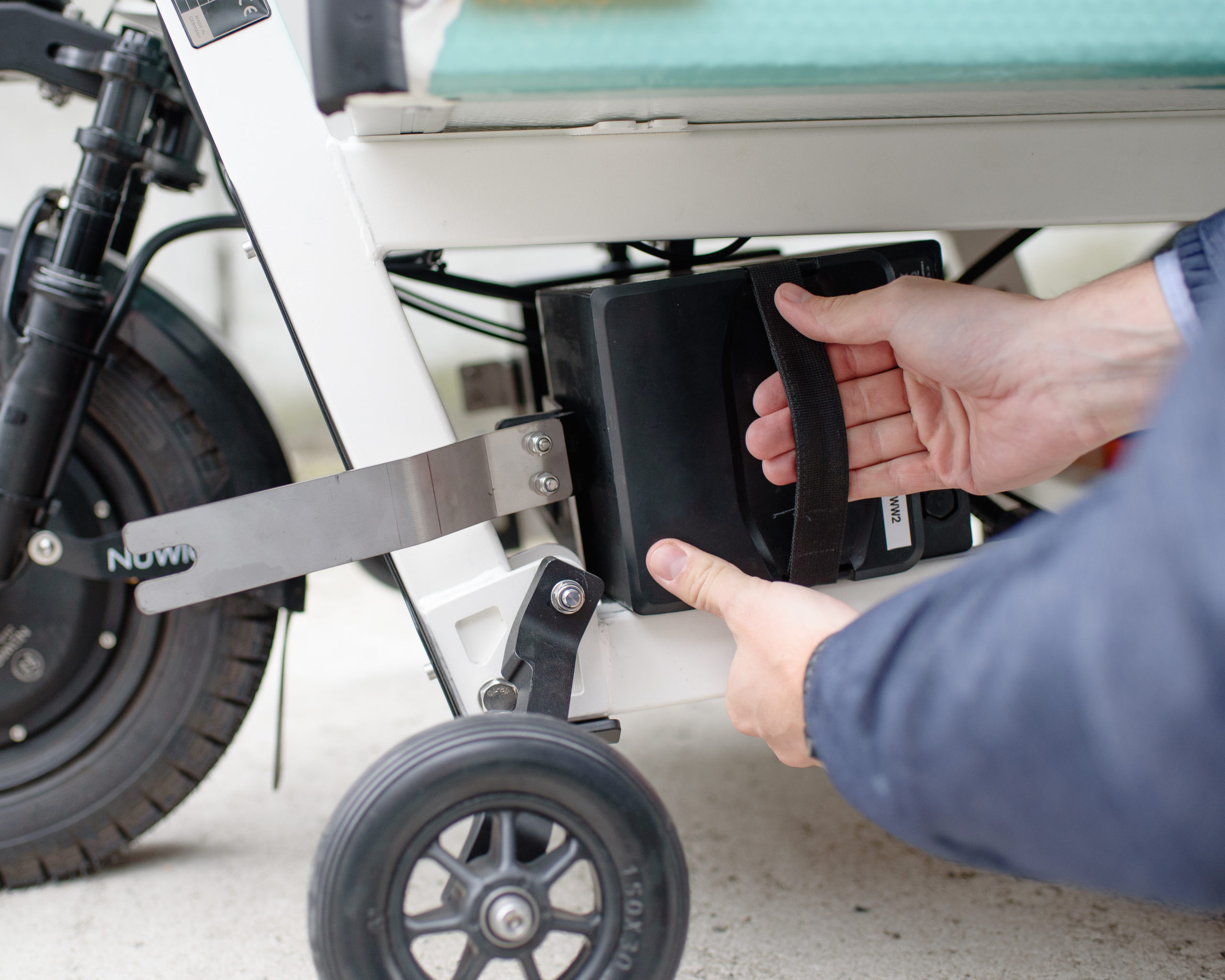
Insert the charged battery back to the tray
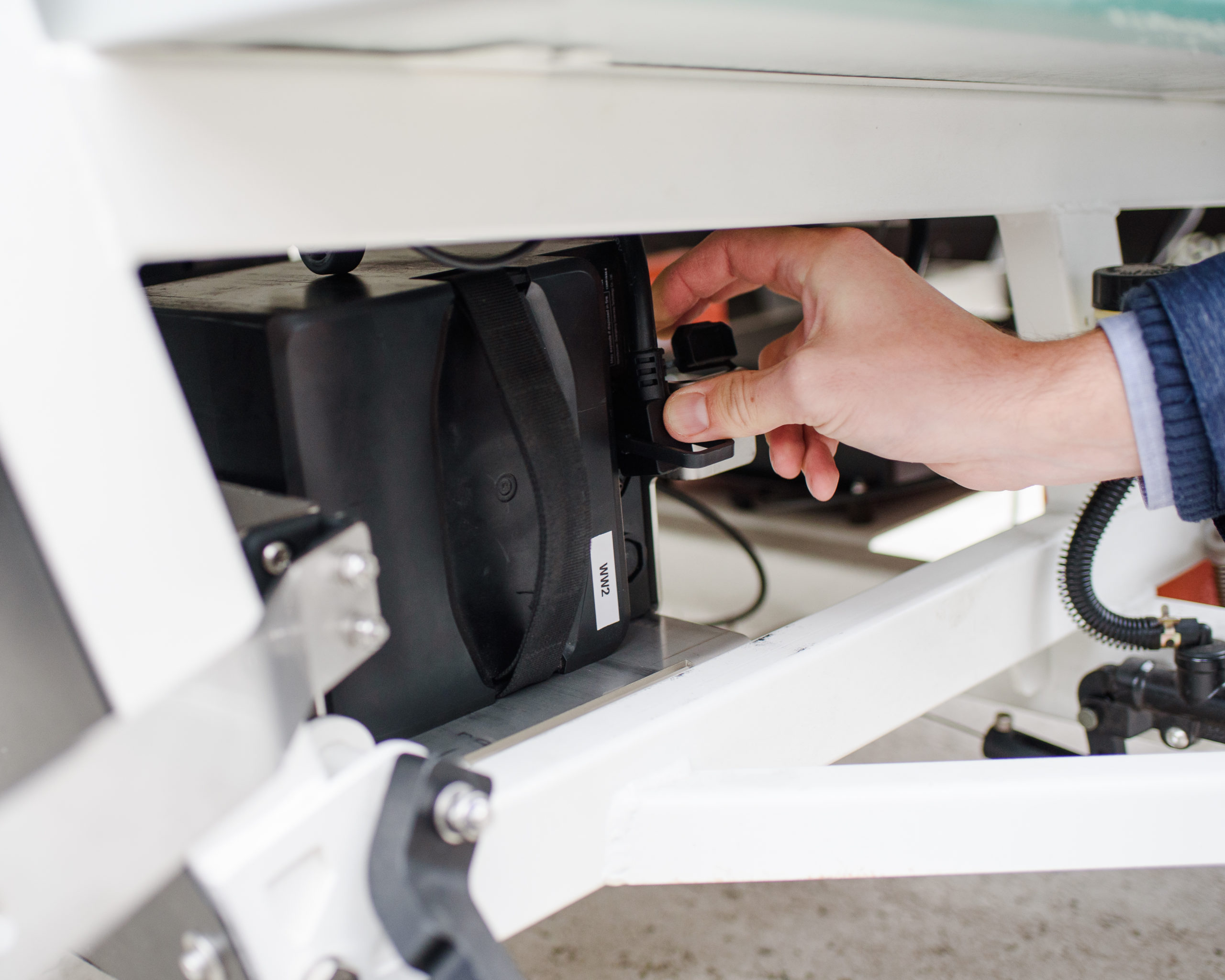
Plug the cable
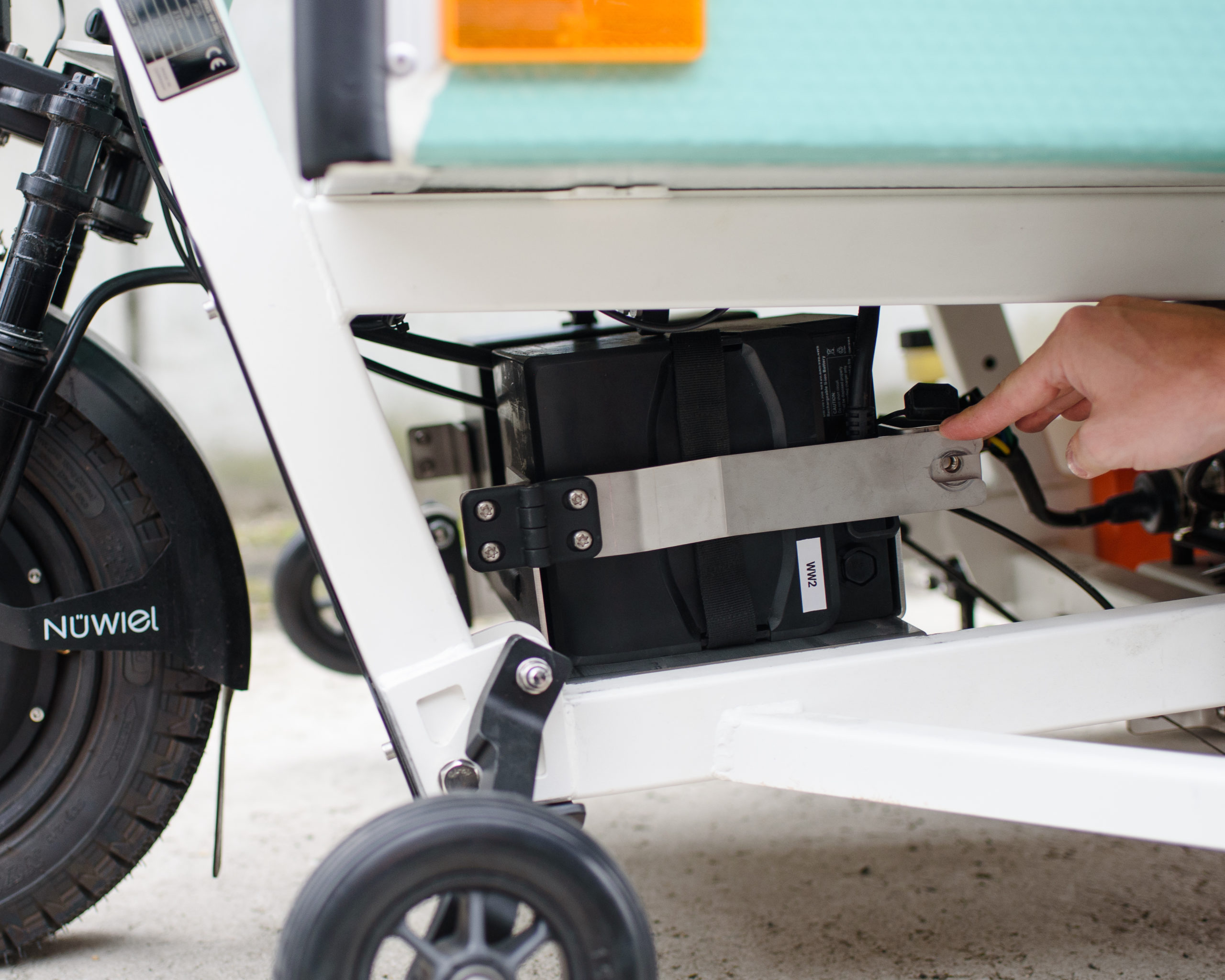
Secure the battery with the tray holder
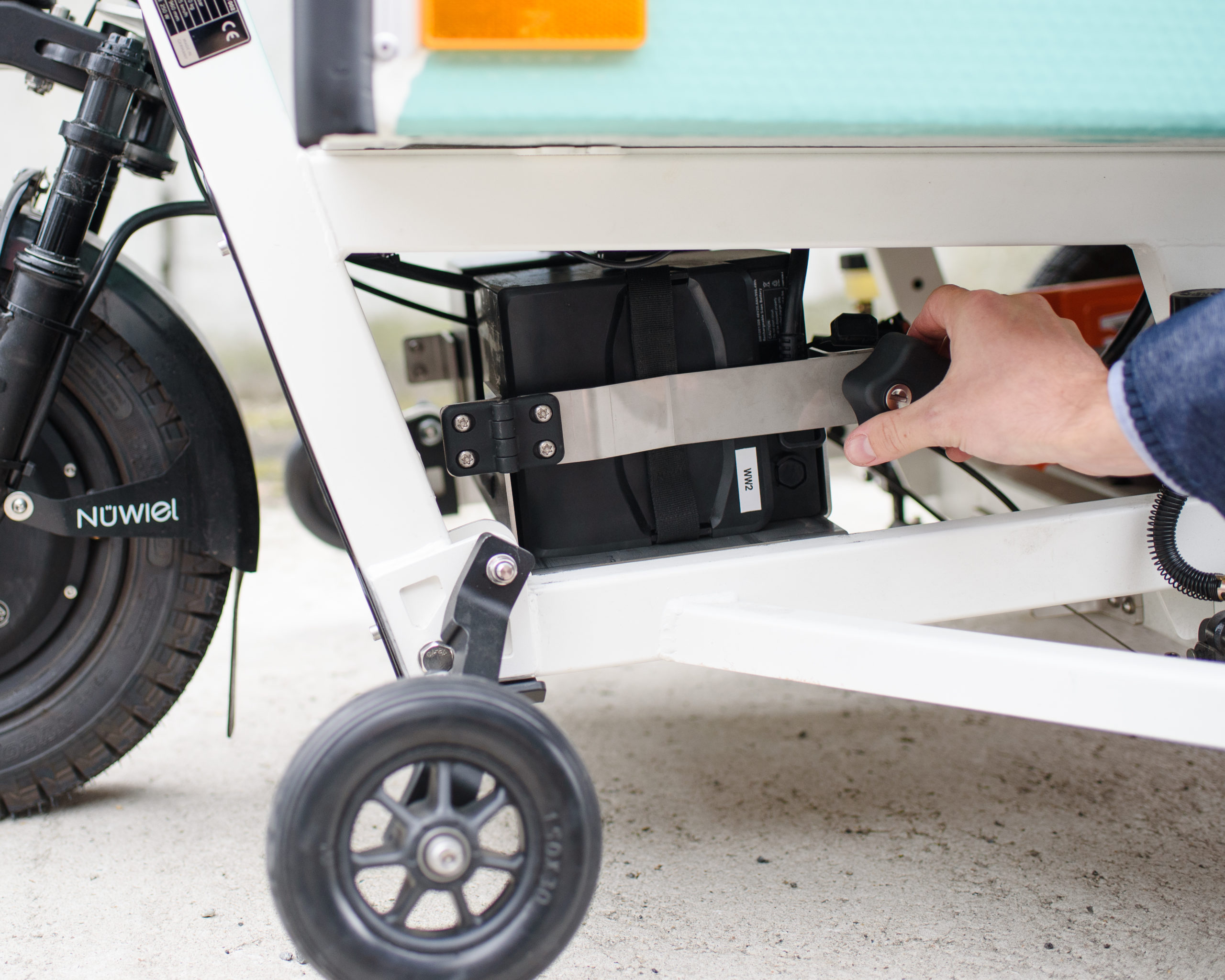
Insert the grip by rotating clockwise and lock with the key