
Cycling
Please note that you can only attach the eTrailer to your bike if access to the seat post is not blocked by a child-carrier seat or other equipment.
Ride slowly and avoid sudden speed change when turning.
Transport of humans or animals is prohibited.
The maximum payload is 150 kg (Flex) / 130 kg (Vault).
Distribute load evenly.
If the payload is above 1 m high, the eTrailer should be used in handcart mode only.
You should not attach the eTrailer to a seat post made of carbon fibre.
You are currently viewing a placeholder content from Vimeo. To access the actual content, click the button below. Please note that doing so will share data with third-party providers.
More Information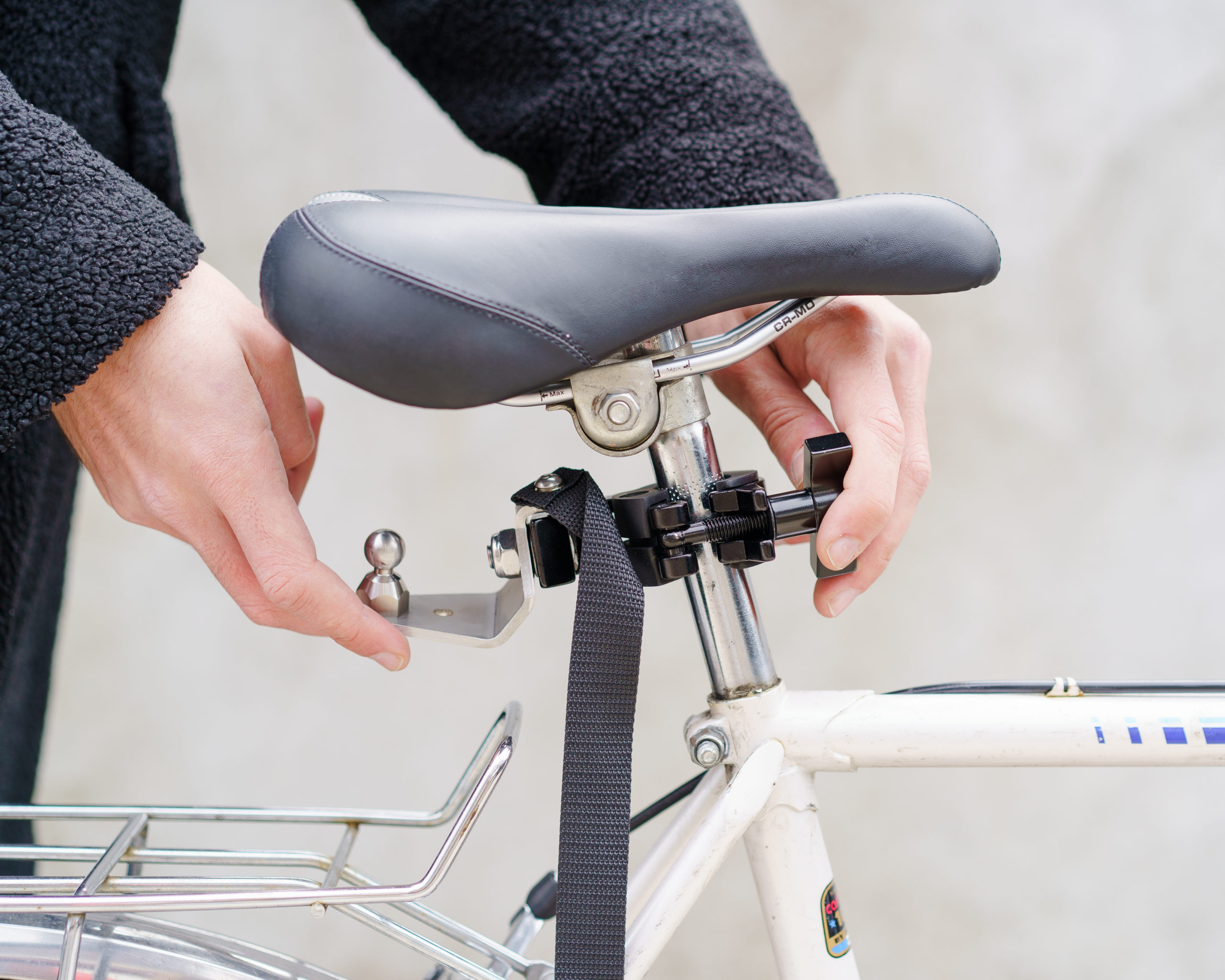
Install the Coupling
Attach, align, and tighten the coupling. Make sure the coupling clamp is parallel to the seat post.
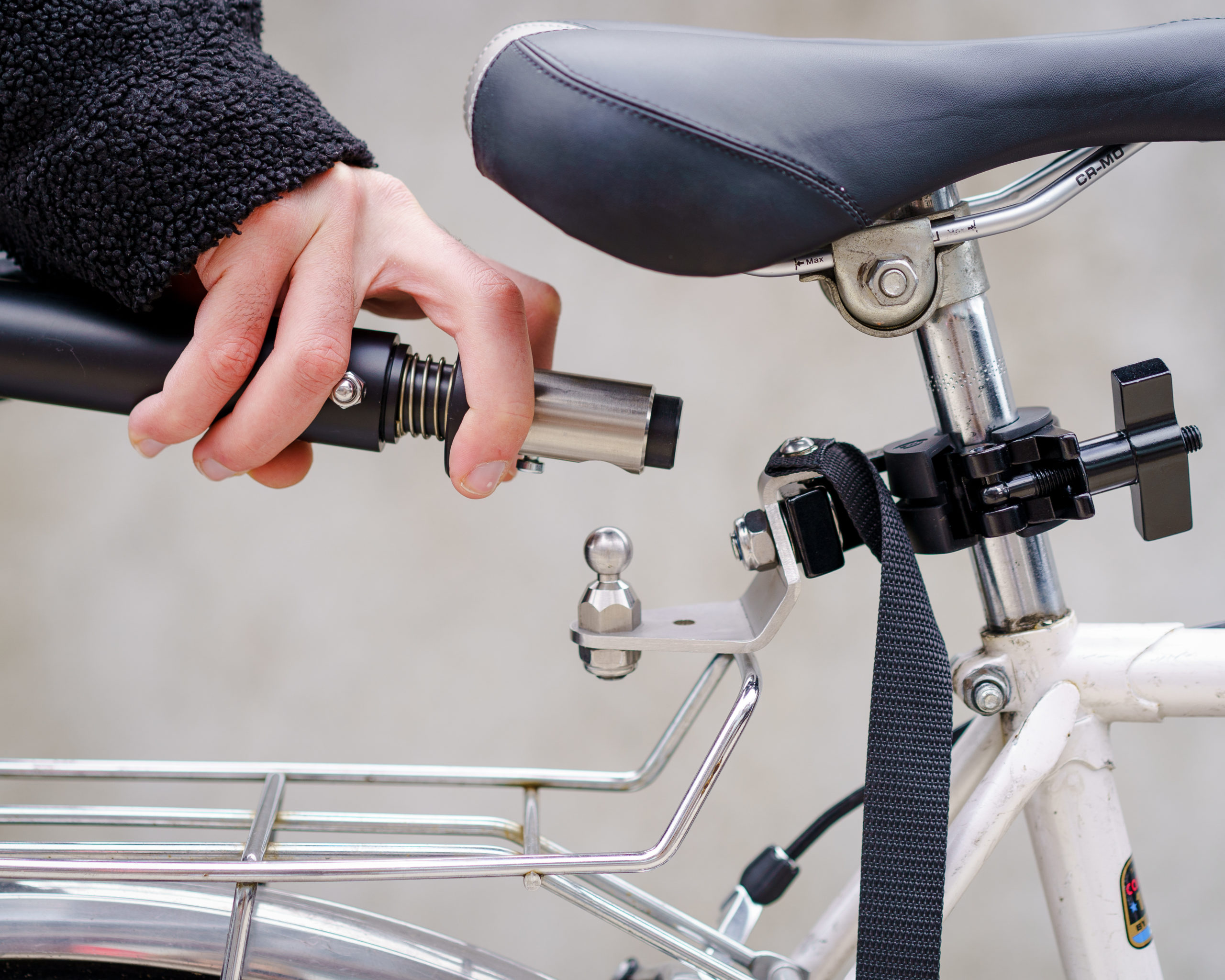
Connect the eTrailer
Slide back the locking ring at the end of the towbar, attach to the coupling and release the locking ring.
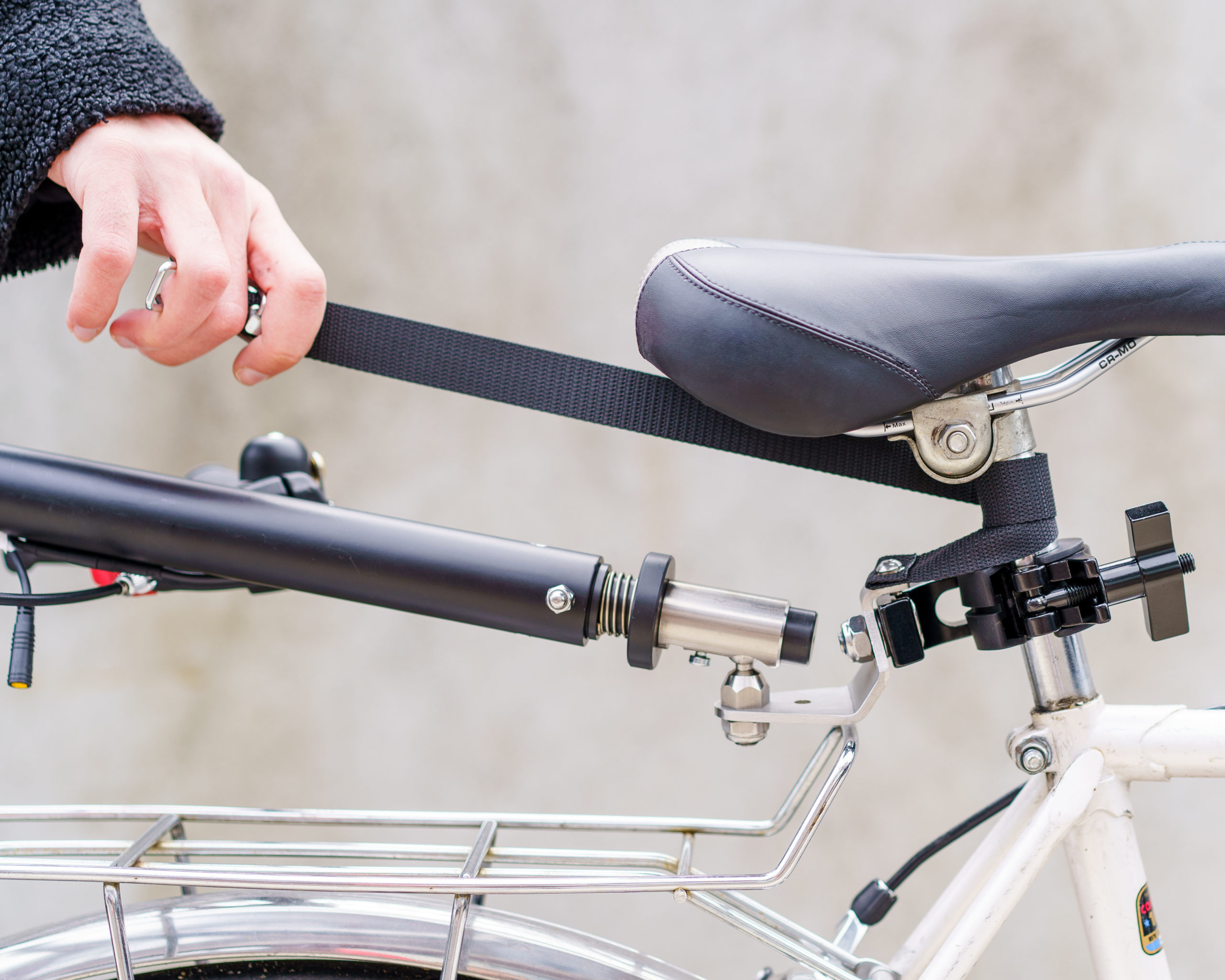
Secure the Safety Strap
Wrap the safety strap around the bicycle seatpost twice.
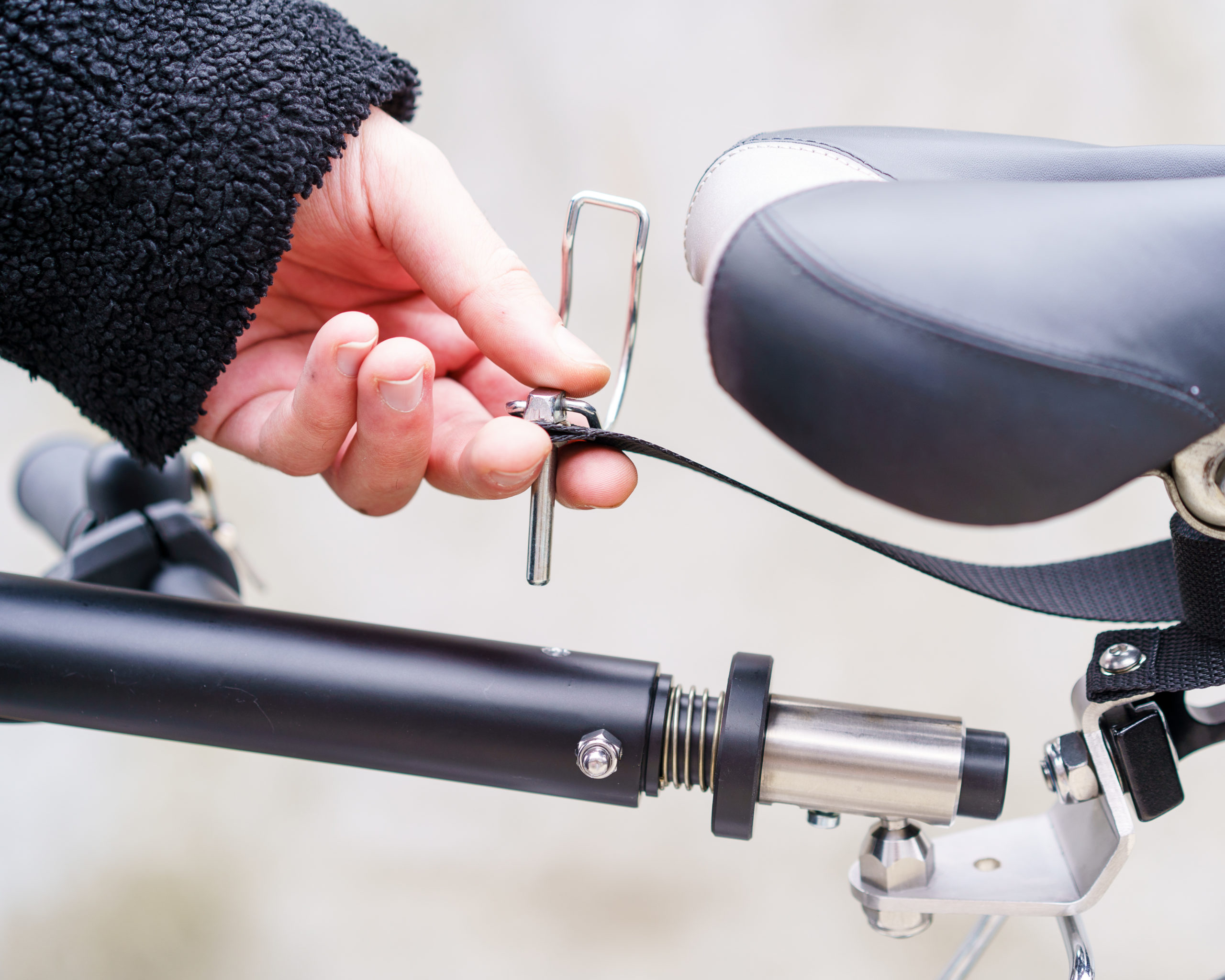
Insert the Safety Pin
Push the pin through the hole at the end of the towbar. Secure the pin-latch over the towbar.
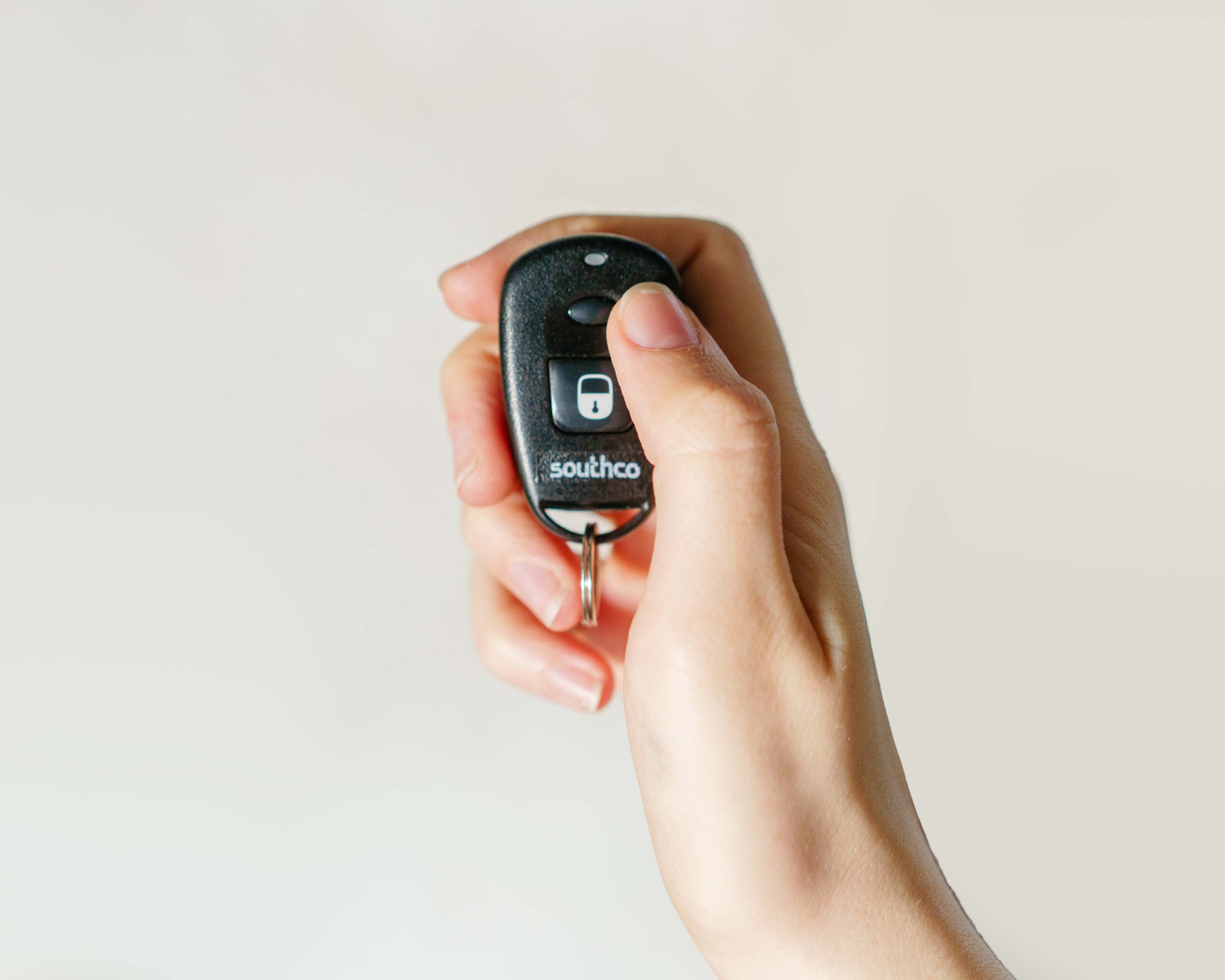
Turn on the eTrailer
Press the top button on the key fob until you hear a sound and the lights turn on. The eTrailer is now activated.
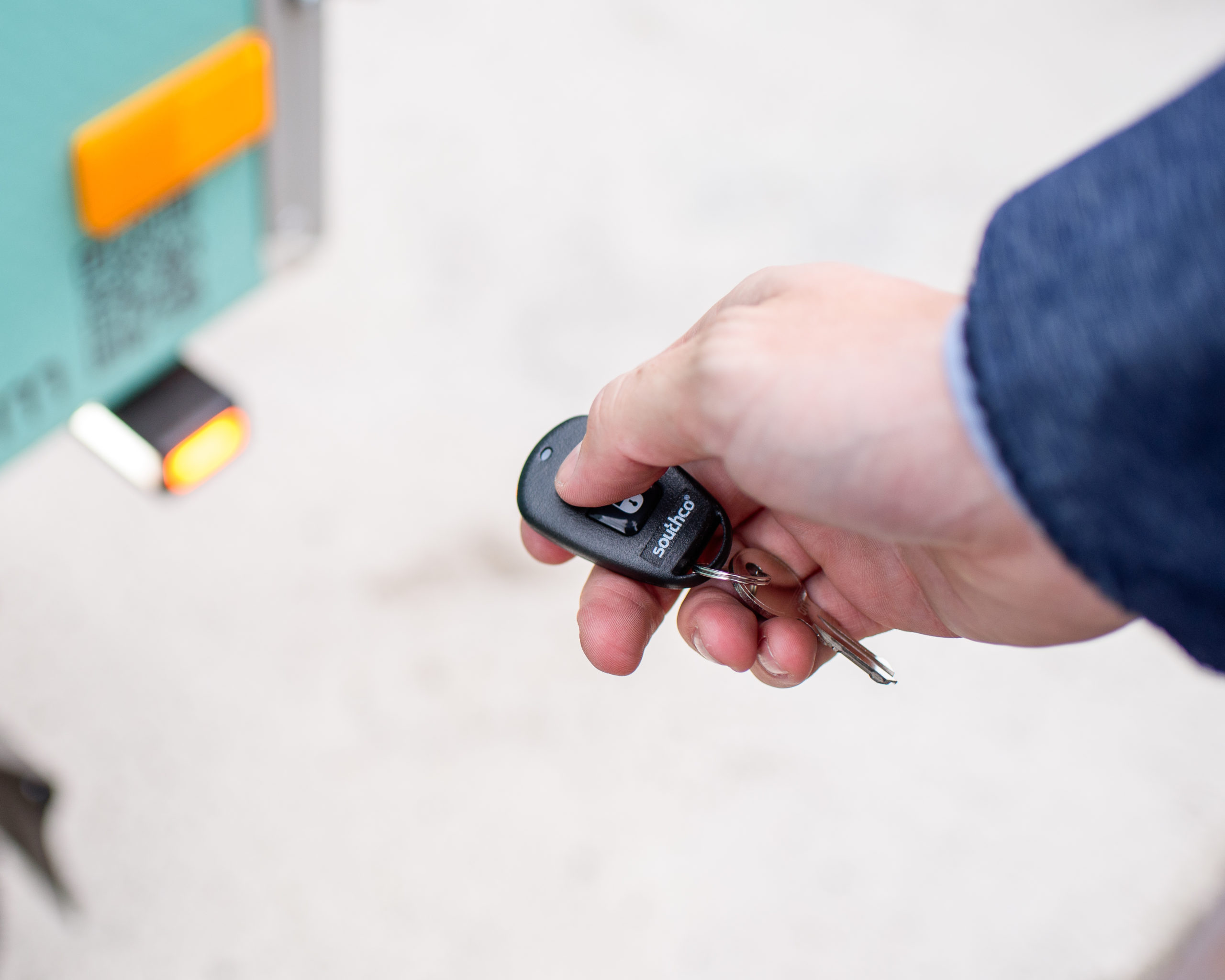
Lock the Box
Press the button with lock sign on the key fob to lock the box.
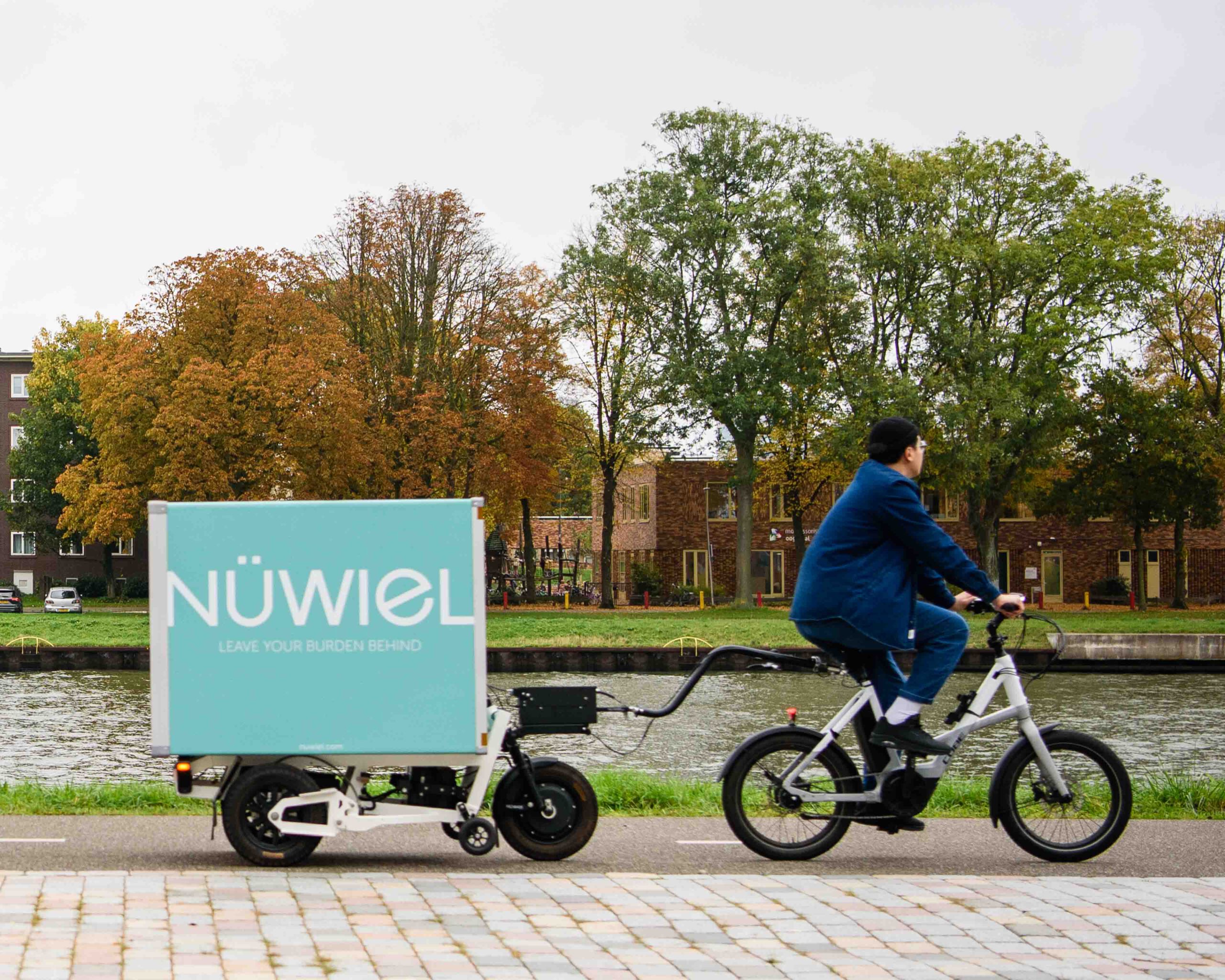
Ride off Gently
Ride off gently and take corners slowly. The eTrailer weighs 90+ kg and is 95 cm wide.
Walking
Transport of humans or animals is prohibited.
The maximum payload is 150 kg Flex / 130 kg Vault.
Distribute load evenly.
You are currently viewing a placeholder content from Vimeo. To access the actual content, click the button below. Please note that doing so will share data with third-party providers.
More InformationTurn on the eTrailer
Press and hold the top button on the key fob until it beeps and the lights turn on. The eTrailer is now activated.
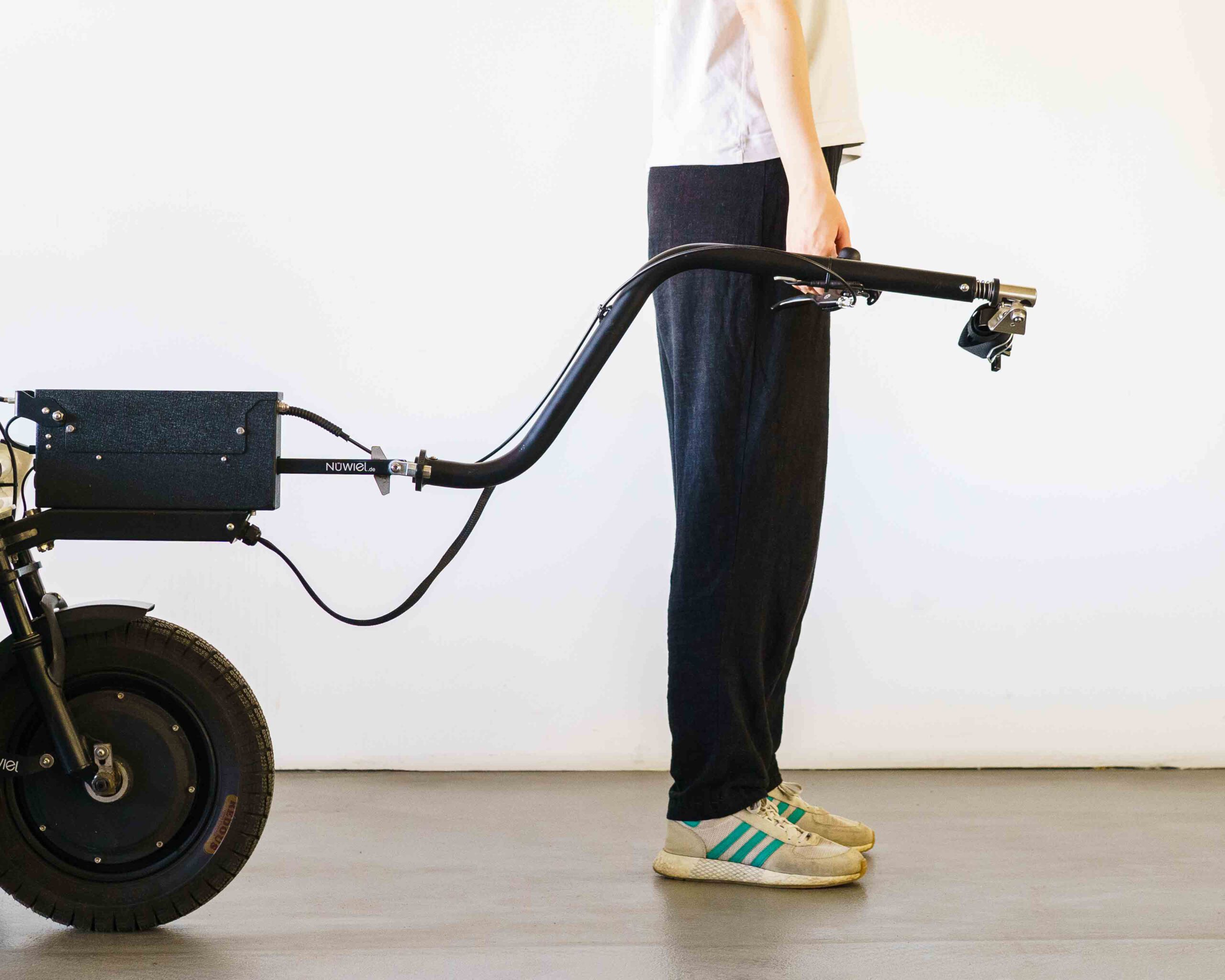
Position Towbar
Fold the towbar down and hold it comfortably at your side.
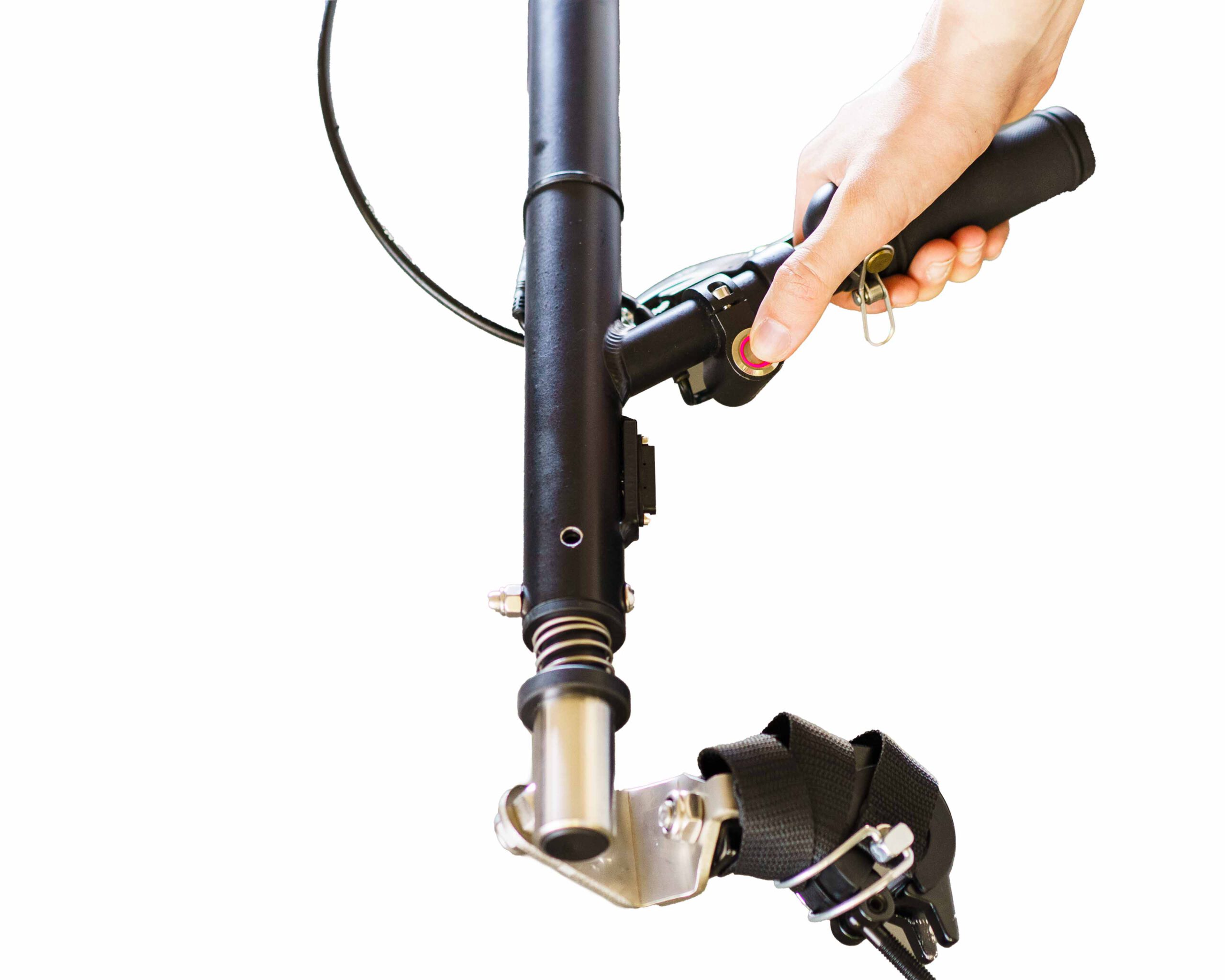
Release the Park Brake
Press and hold the eBrake button for 1 second, until you hear a sound. The button colour will change from red to neutral.
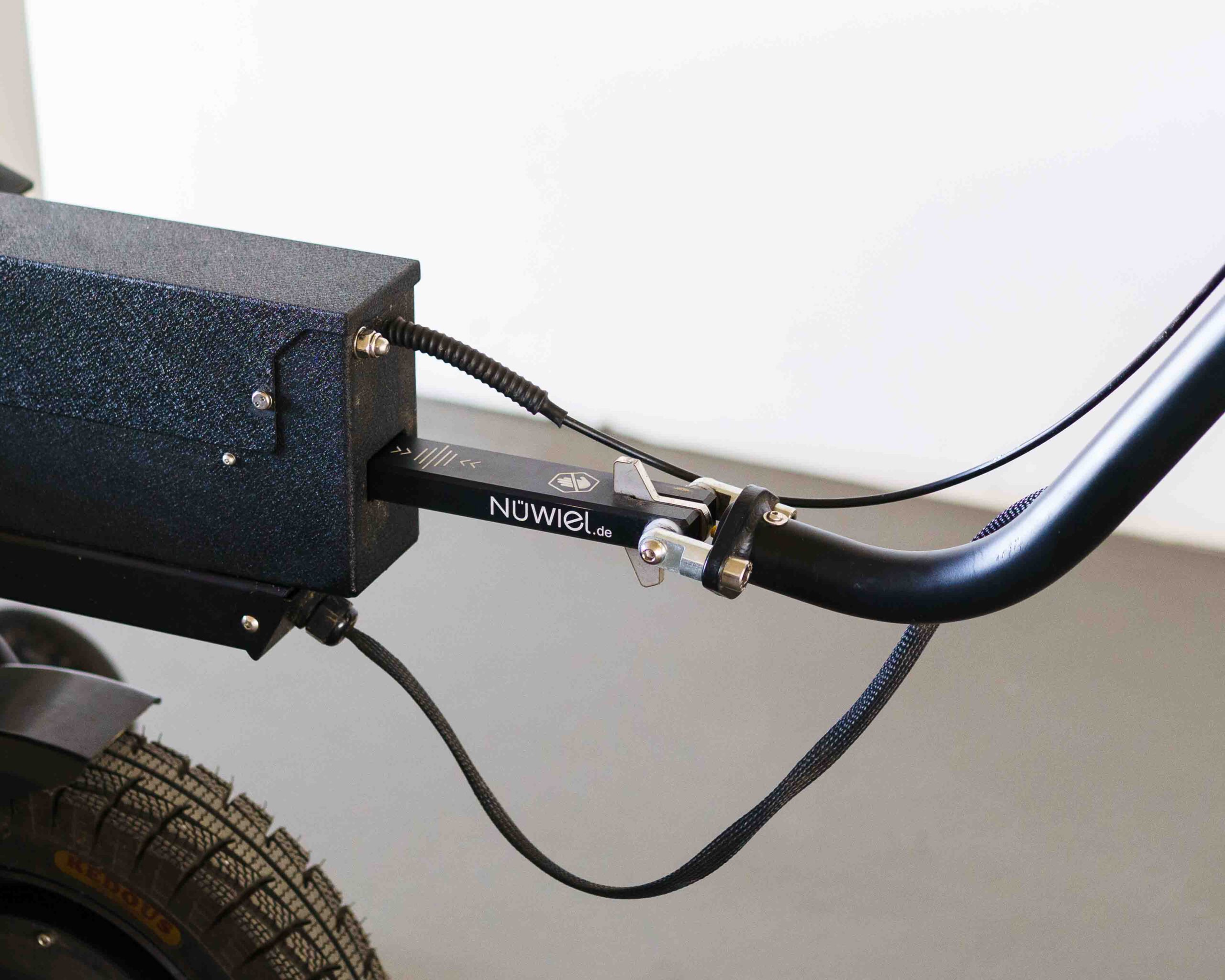
Center the Slider
Gently move the towbar back and forth until the slider is in the middle.
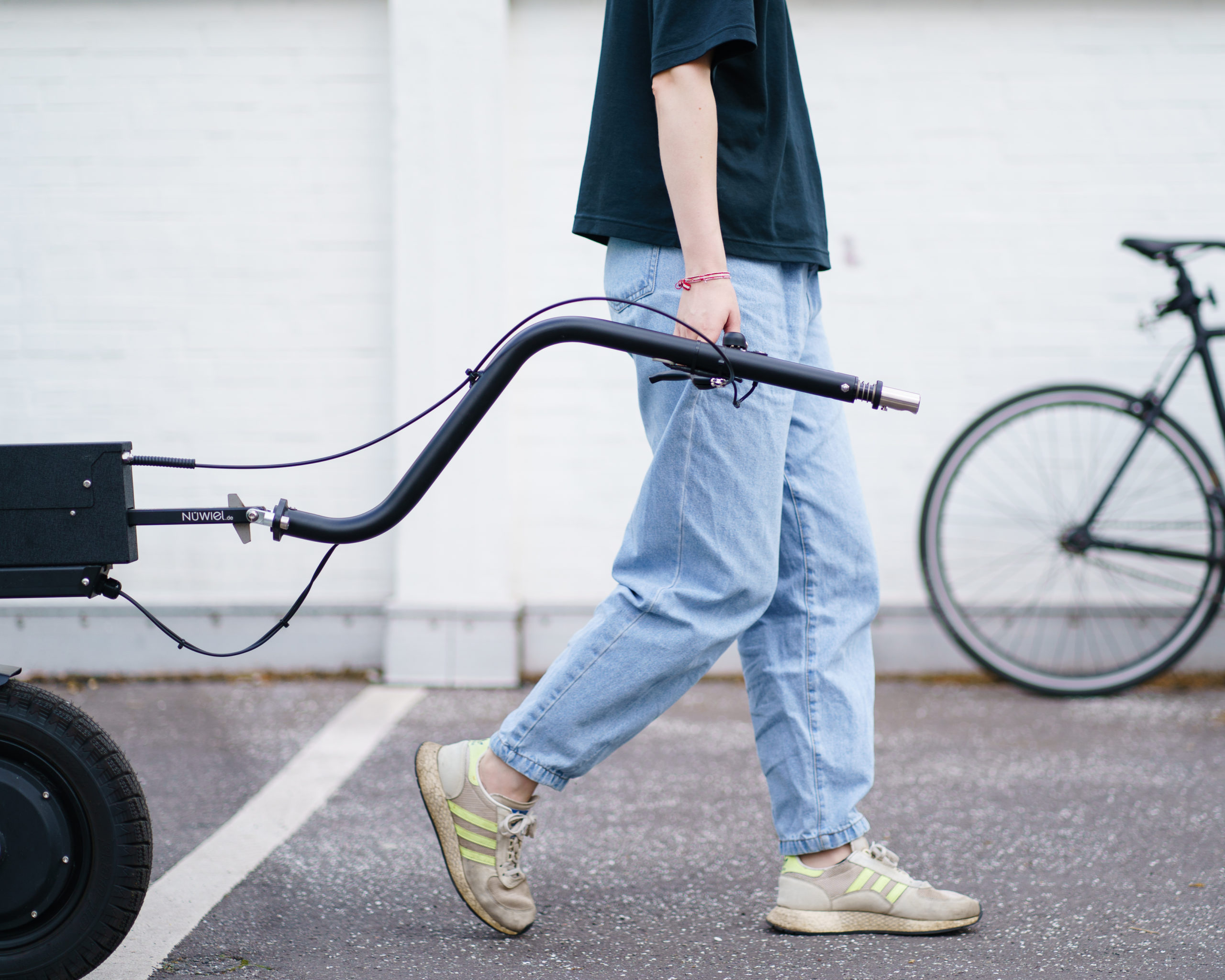
Start Walking Gently
Hold the handle naturally at your side. The eTrailer brakes automatically if the towbar is too high or too low.
Parking
You are currently viewing a placeholder content from Vimeo. To access the actual content, click the button below. Please note that doing so will share data with third-party providers.
More Information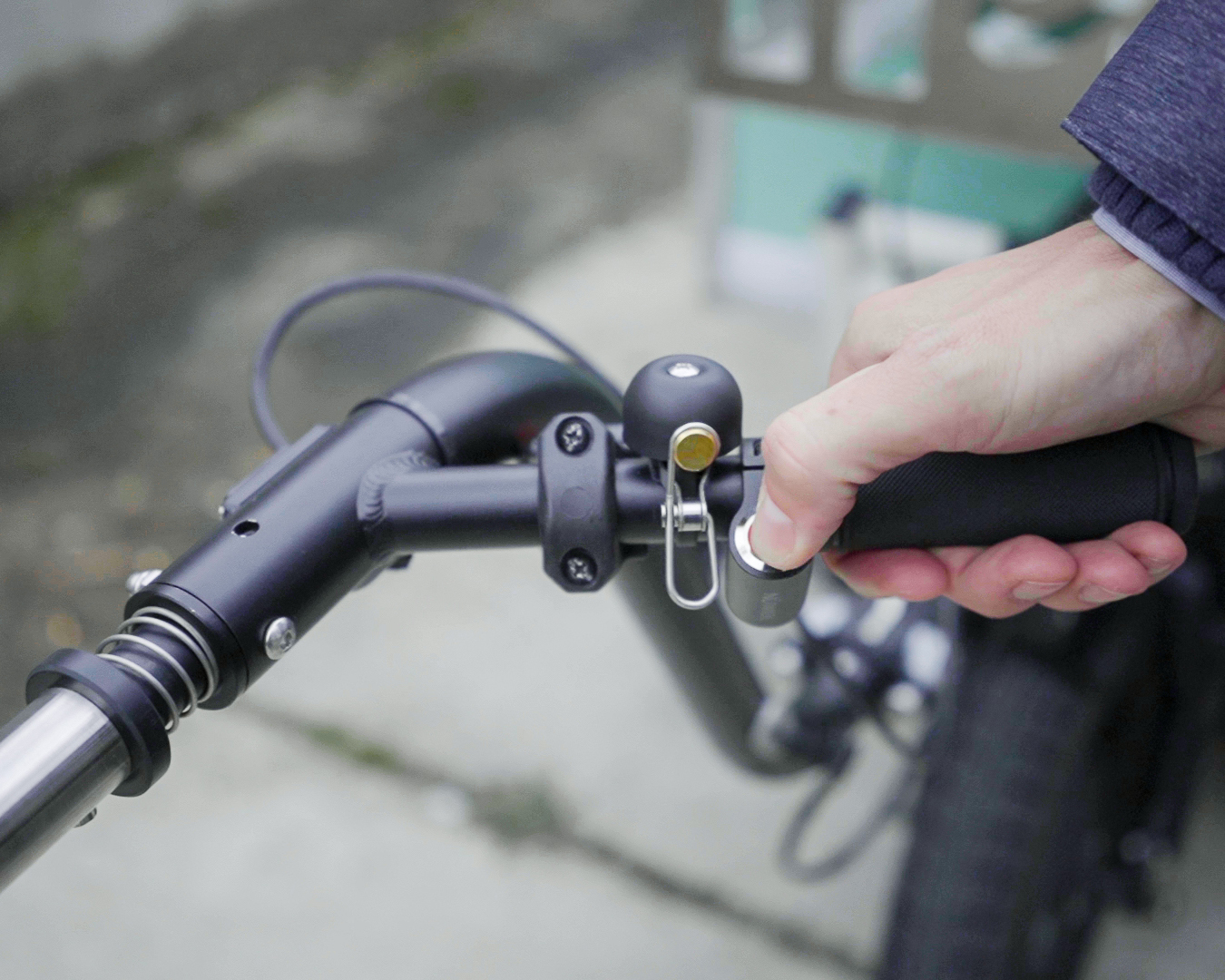
Engage the Parking Brake
Press and hold the eBrake button for 1 second until it beeps. The button will light up red.
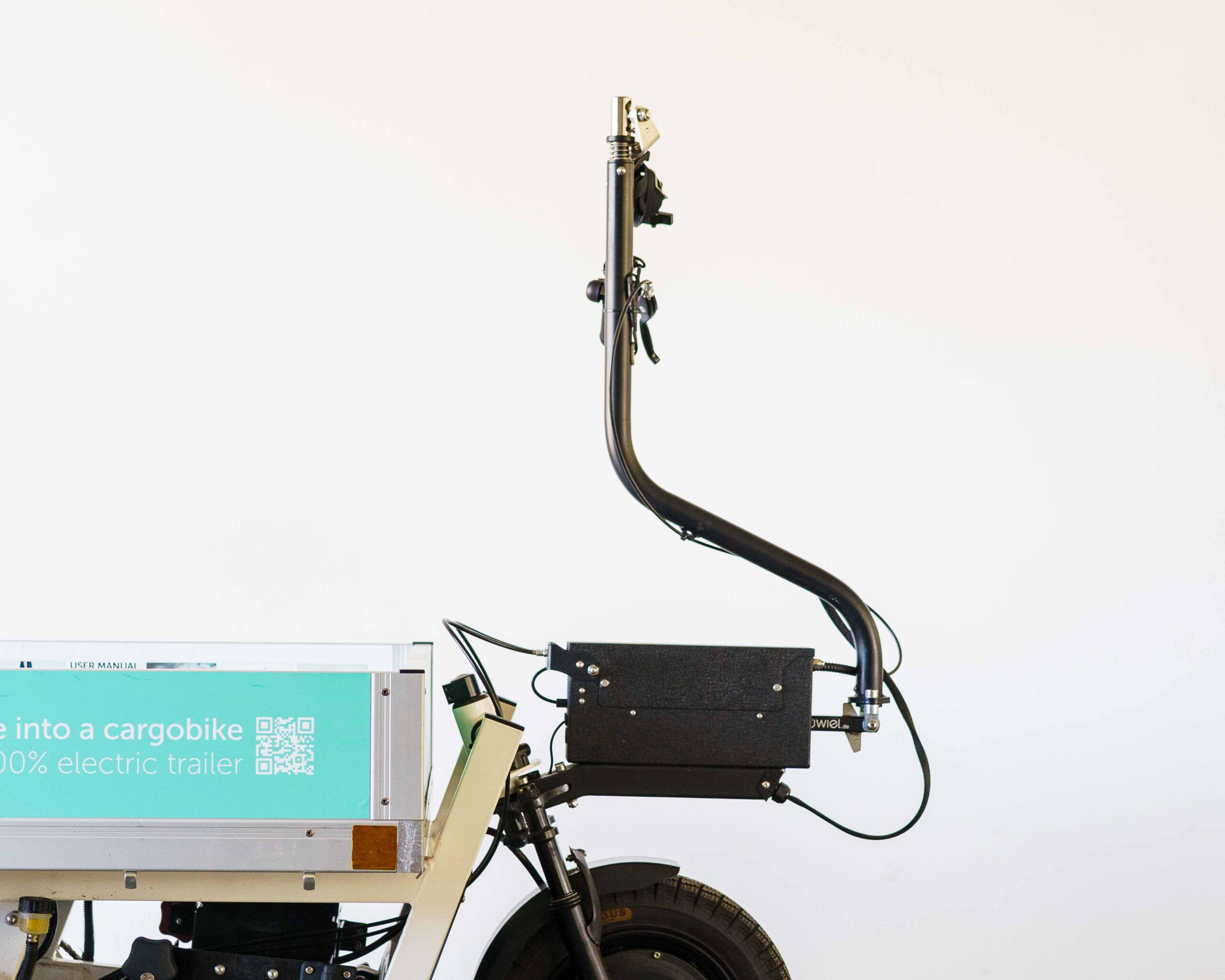
Position the Towbar
Fold the towbar all the way up.
Lock the Box
Press the button with the lock sign on the key fob.
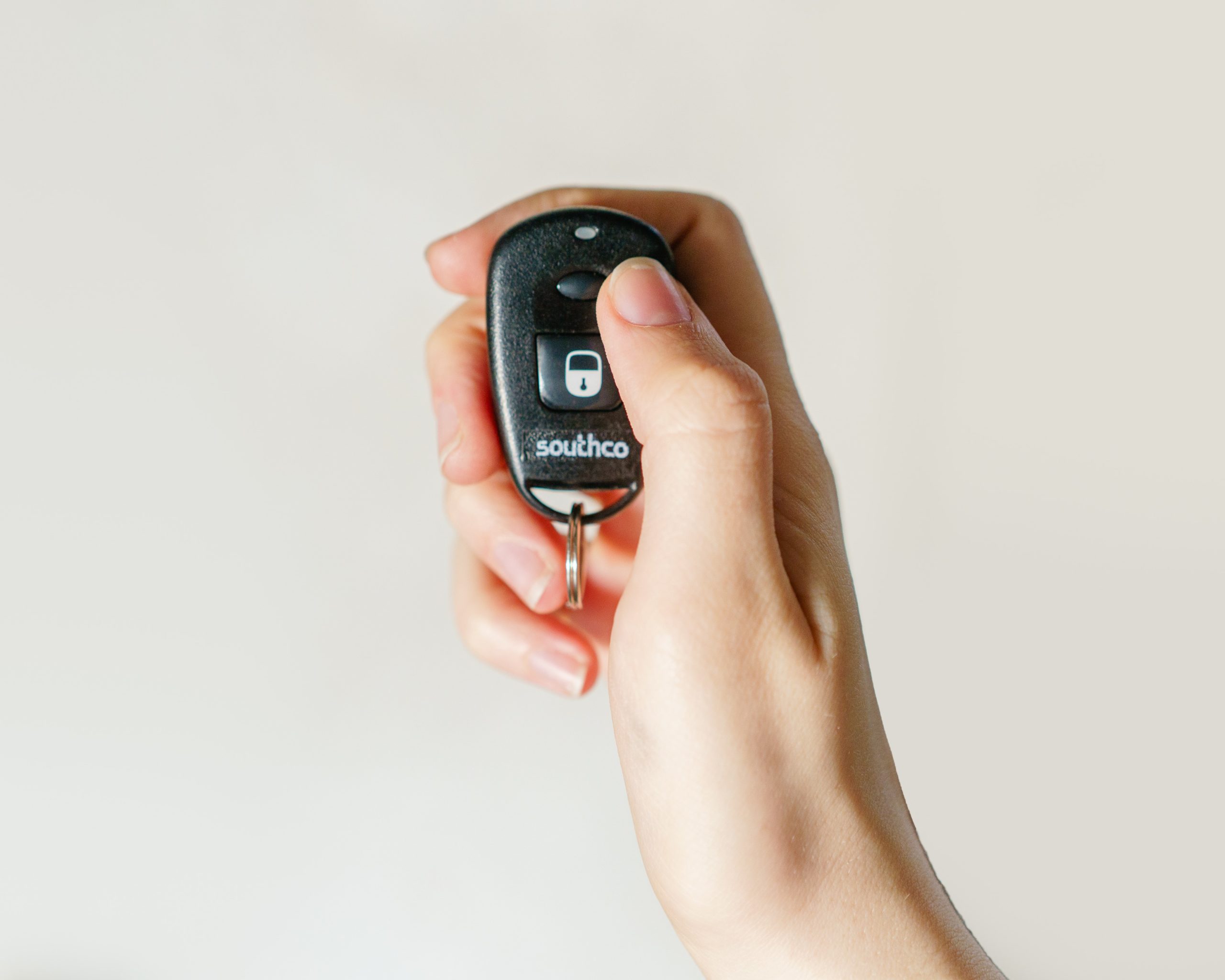
Turn off the eTrailer
Press the top button on the key fob to turn off the eTrailer.
Battery Charging
General Instructions for the Use of Li-Ion Batteries
1. The charger should not be stored on, close to or under any flammable materials.
2. Facilities with stone floors are recommended for the charging process.
3. The room should be equipped with smoke detectors.
4. The battery should not be left charging over night.
5. Only use a charger provided or recommended by the manufacturer.
6. Recharge the battery periodically if it is not used for an extended period.
7. Do not store the battery at low temperatures.
8. Do not store, charge or use the batteries close to hot surfaces. Keep away from open flames.
9. Do not use the battery if it is damaged or shows visible cracks
You are currently viewing a placeholder content from Vimeo. To access the actual content, click the button below. Please note that doing so will share data with third-party providers.
More Information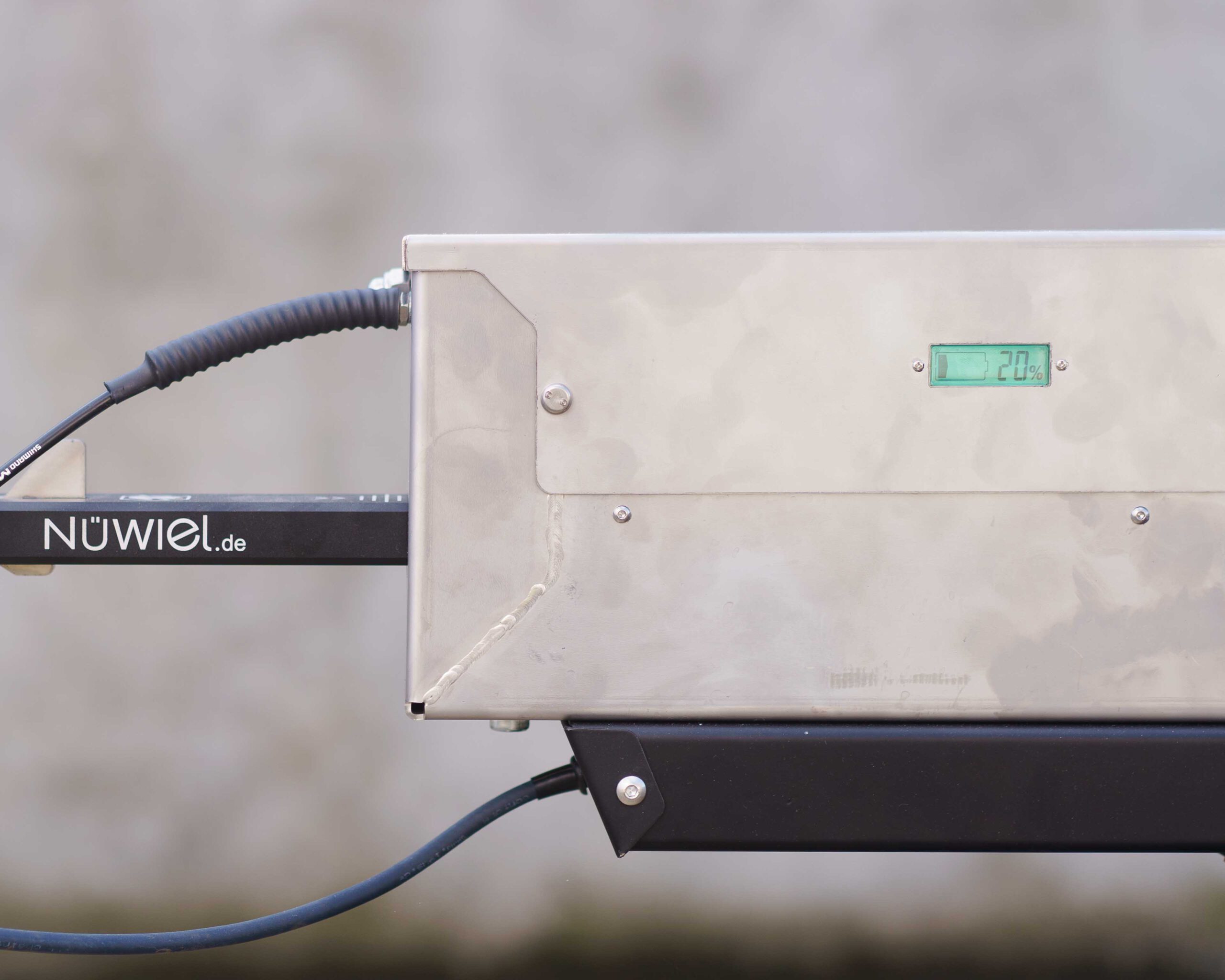
Check the Battery Level
The Battery should be charged when it has less than 20% remaining.
Turn off the eTrailer
The Battery should be charged when it has less than 20% remaining.
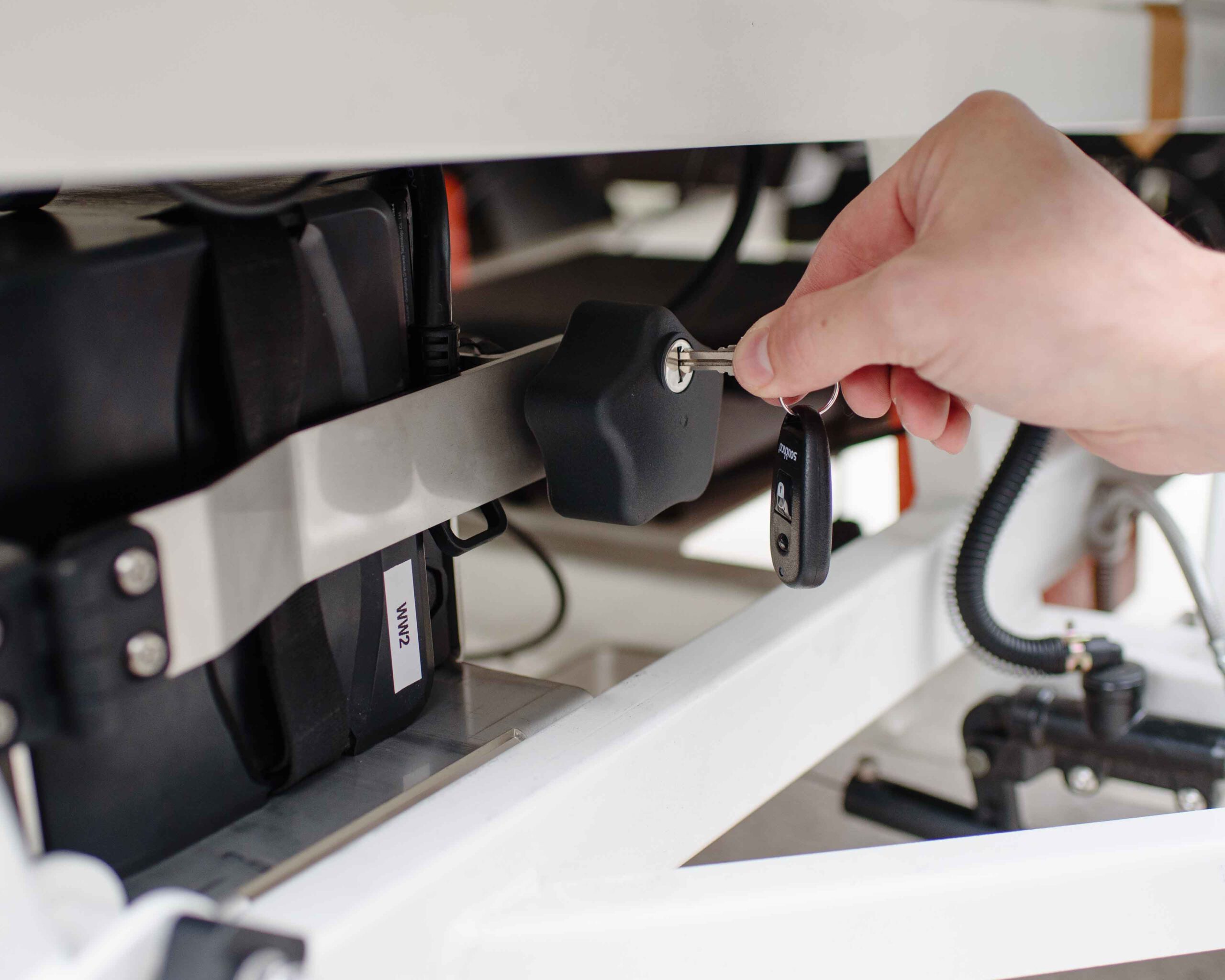
Unlock the battery tray with the key
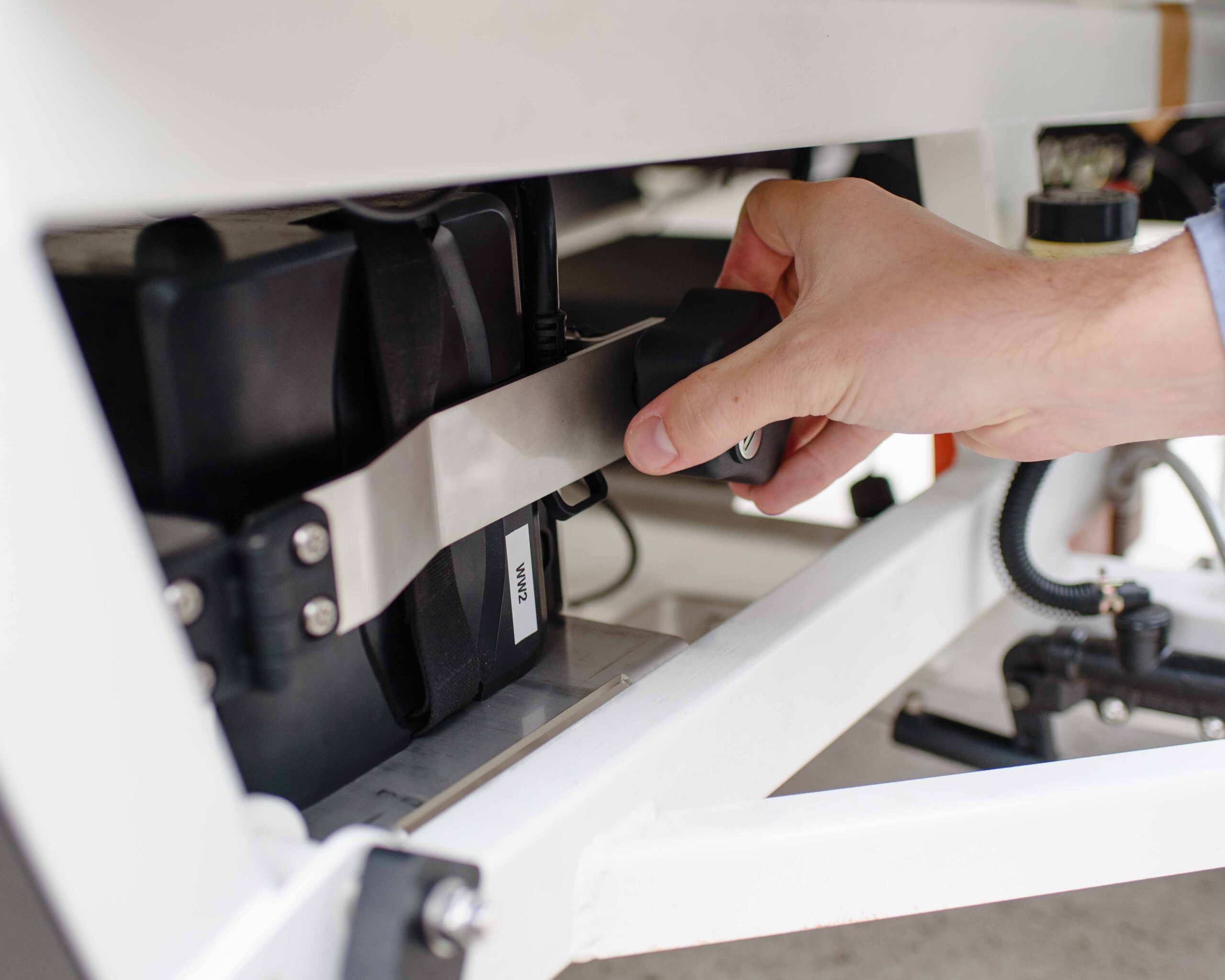
Remove the grip of lock by rotating anti-clockwise
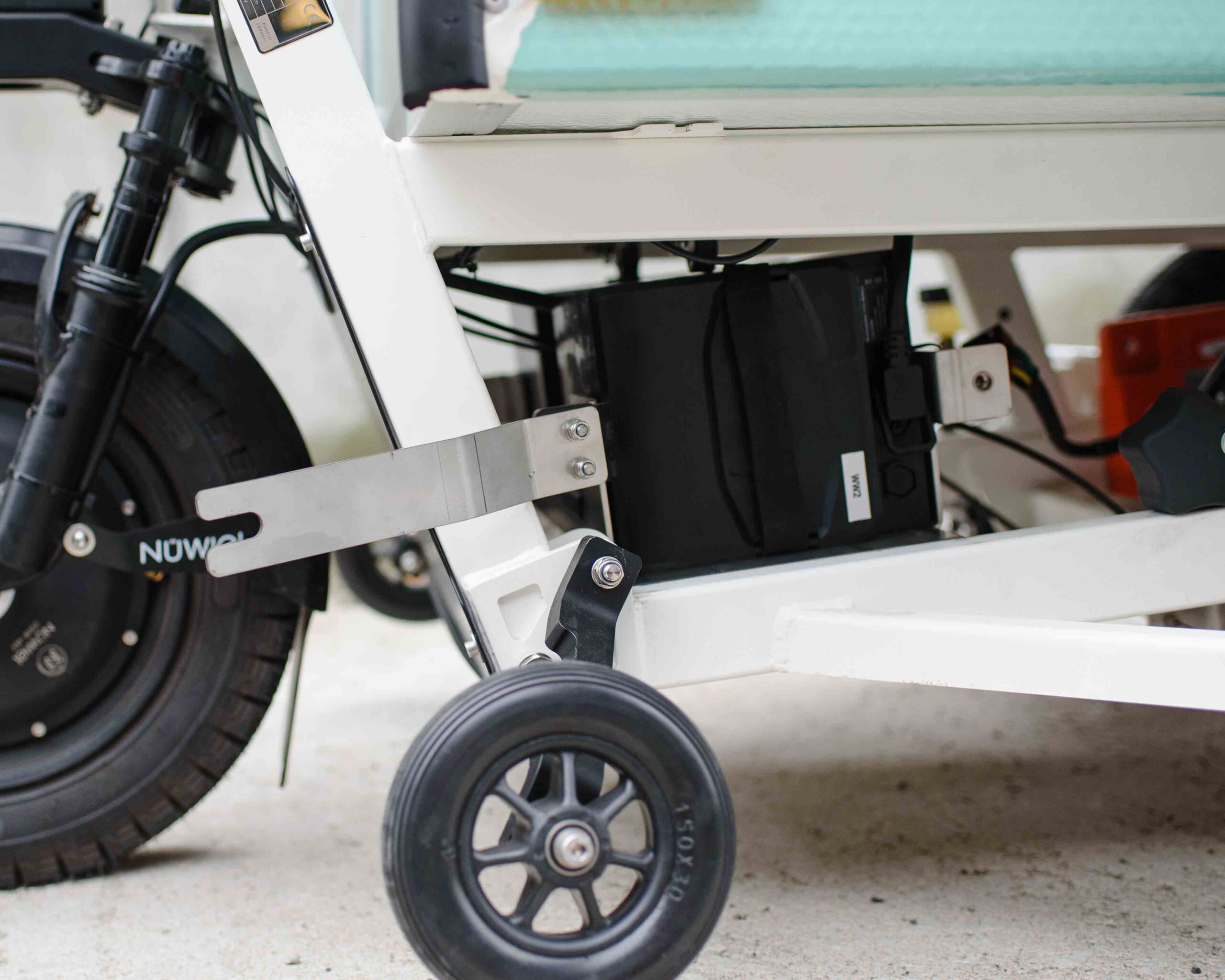
Move the tray holder to the side
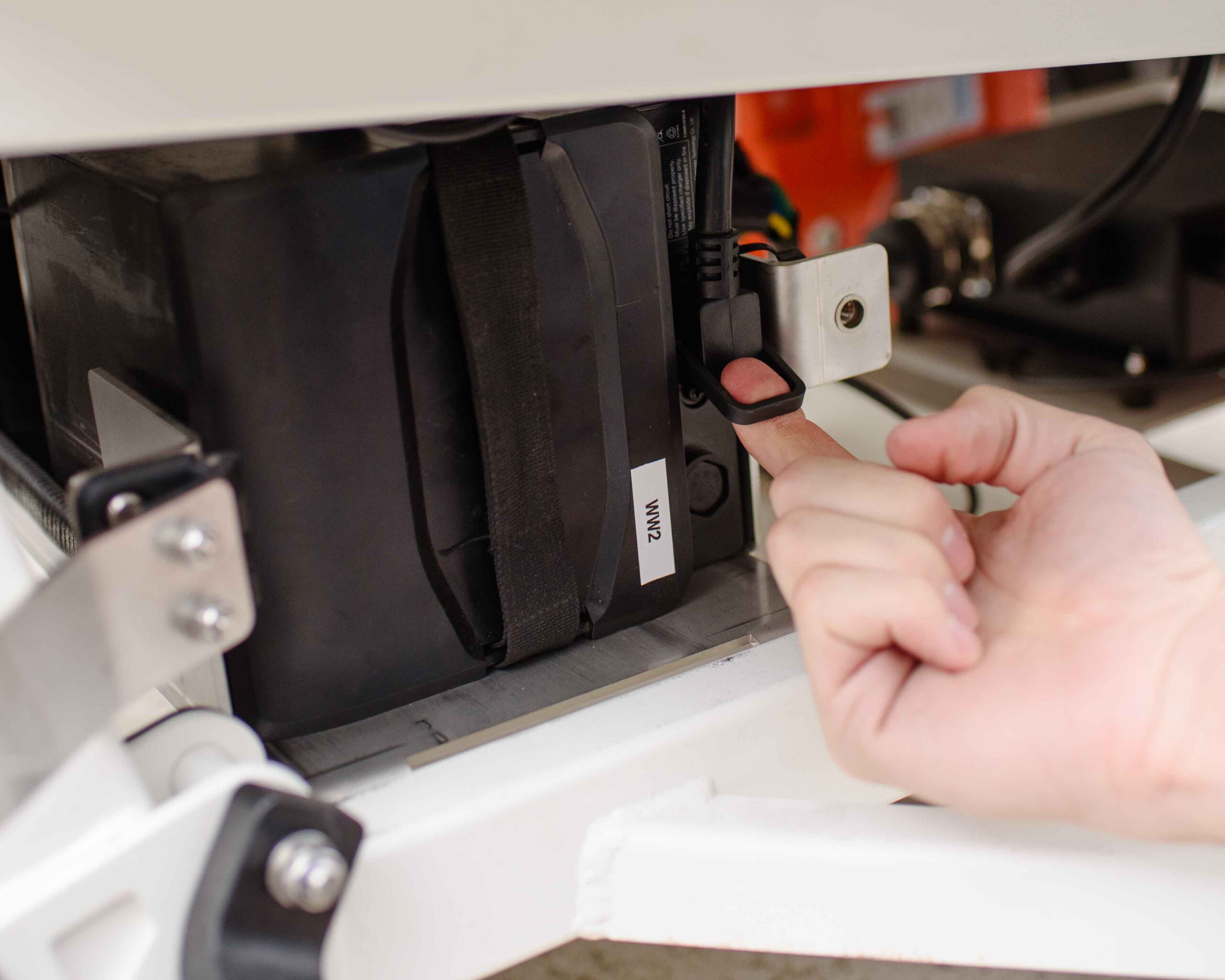
Unplug the cable and remove the battery
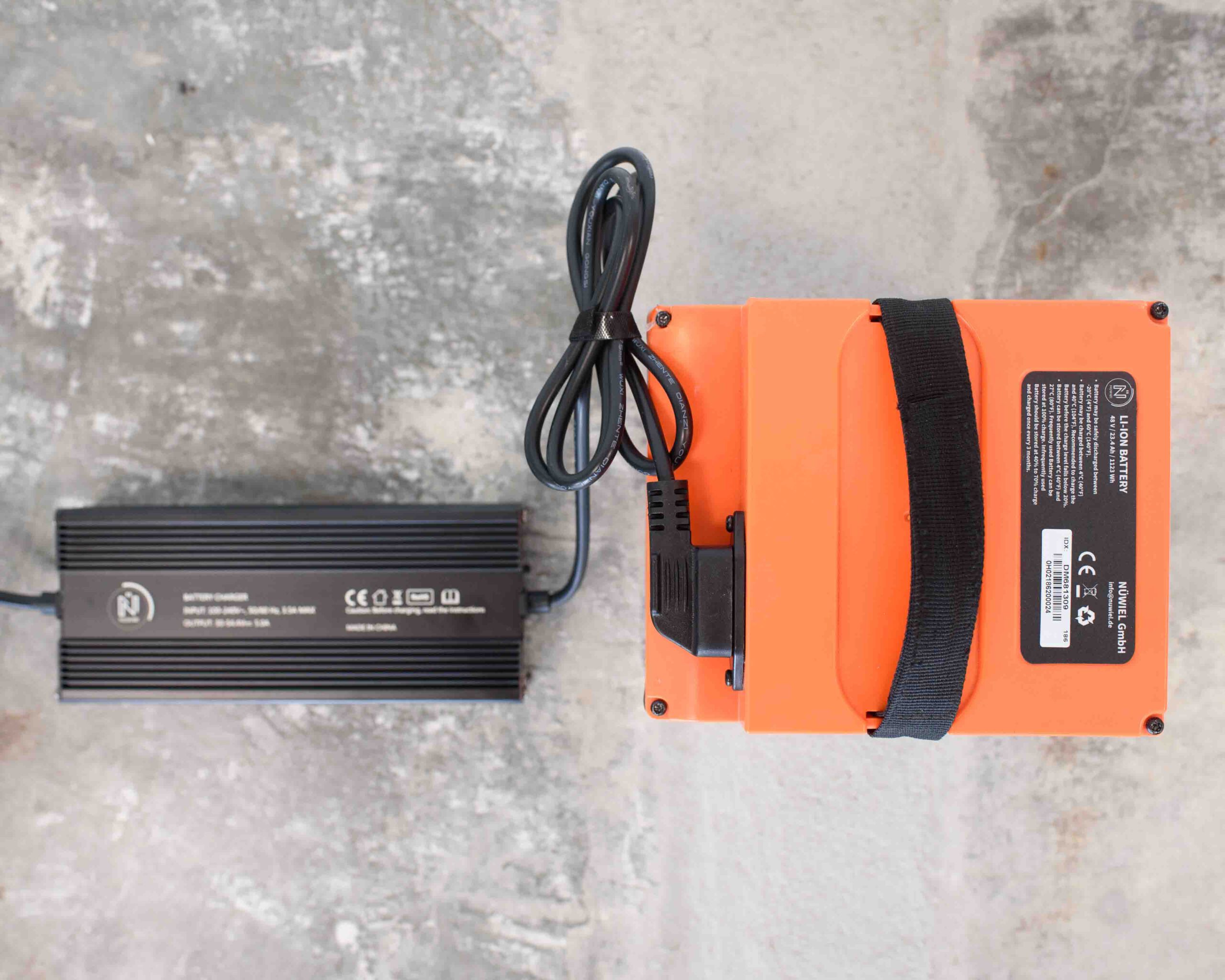
Charge the battery until the indicator turns green
It takes 2 hours to charge the battery to 85%, 5 hours to 100%.
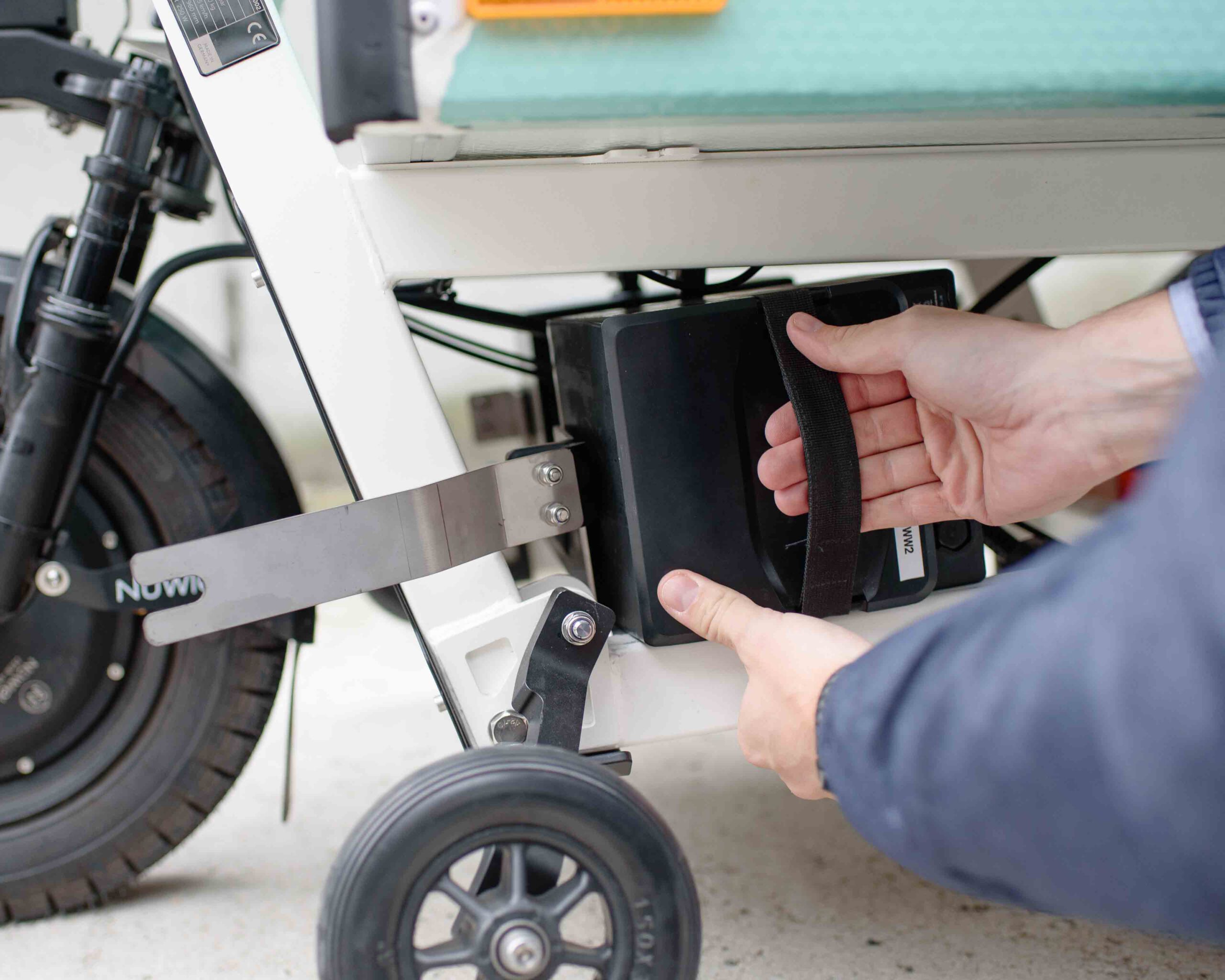
Bring the charged battery back in the tray
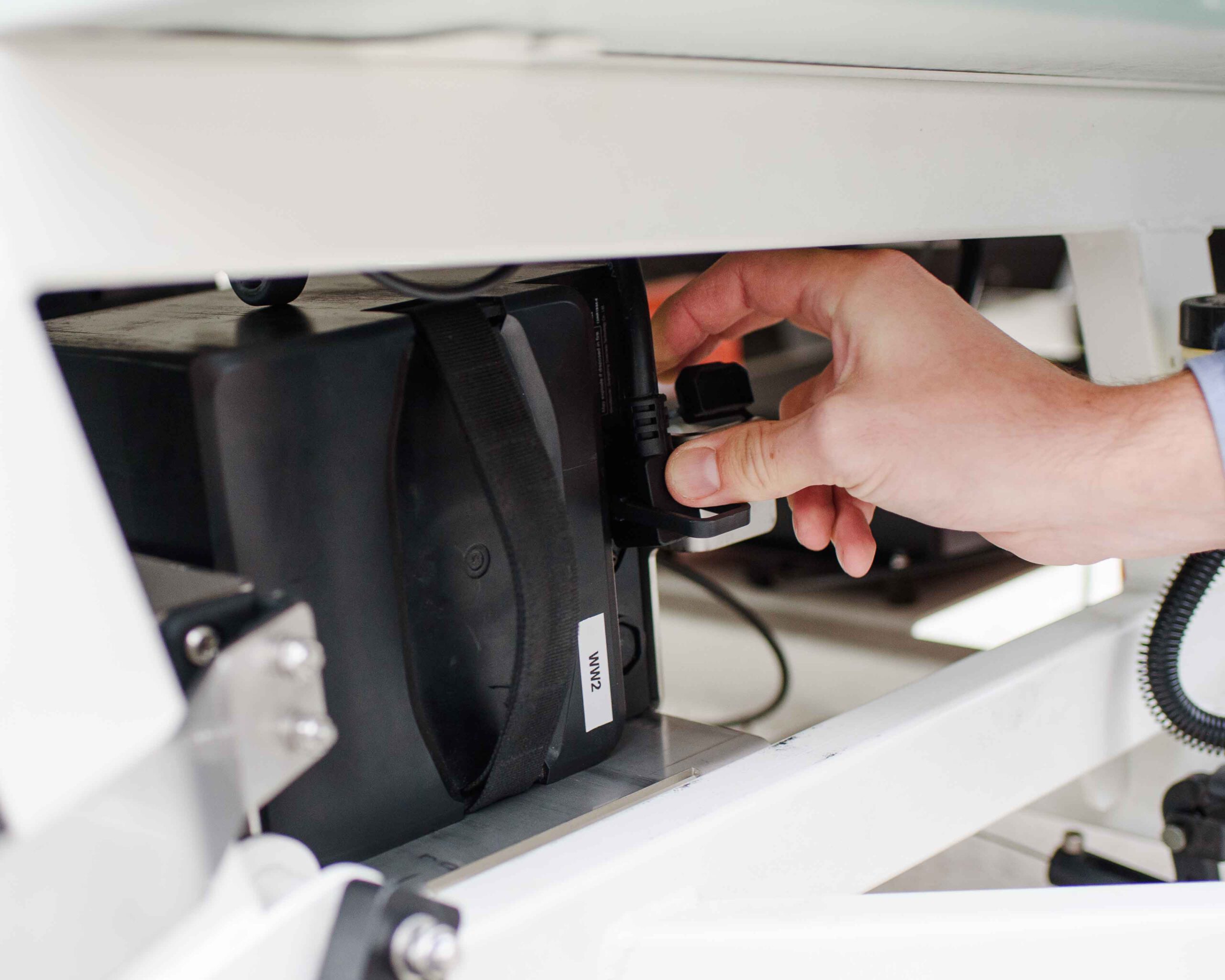
Plug the cable in
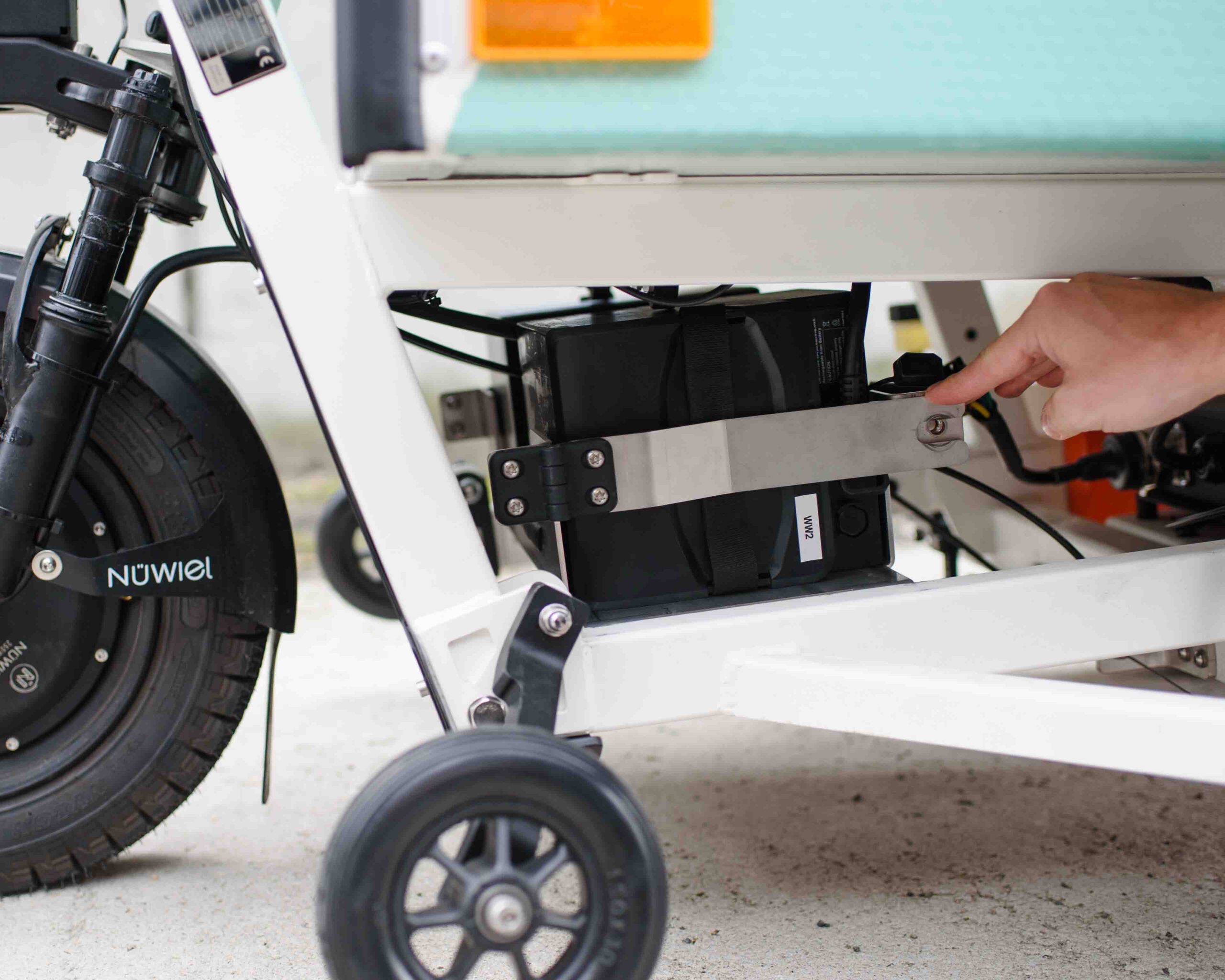
Secure the battery with the tray holder
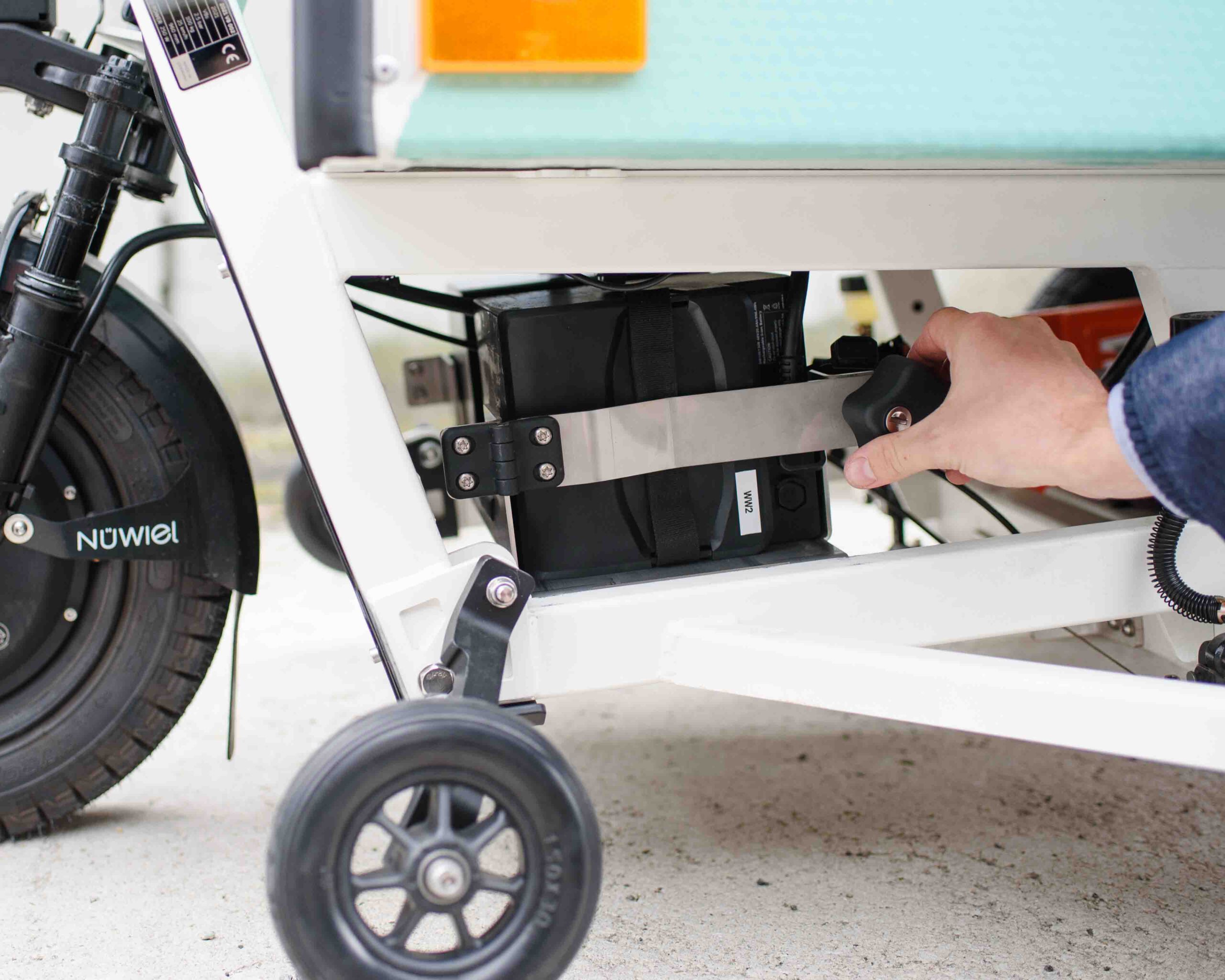
Insert the grip by rotating clockwise and lock with the key